
The smartest way to upgrade an existing karaoke system is to fix the weakest link first, not to buy the biggest new piece of equipment. For most homes, that means checking microphones, setup, room fit, and control issues before replacing the whole system.
Written by Toan Ho — Tittac editorial team.
Who this guide is for: This guide is for home karaoke owners who already have a system but are not happy with the sound, usability, microphone quality, room coverage, or overall singing experience.
How this guide was prepared: This guide focuses on practical upgrade decisions for real home karaoke setups: diagnosing the weakest link, fixing free problems first, choosing the right upgrade order, and knowing when replacement makes more sense than more patching.
Most karaoke systems do not need to be replaced the moment they sound disappointing. Many systems are simply unbalanced. The microphones may be weak, the speakers may be poorly matched to the room, the controls may be hard to manage, or the setup may be fighting itself through bad placement and messy signal routing.
The goal is not to spend more. The goal is to spend in the place that actually changes the experience. If you are still deciding whether your current setup is worth upgrading or whether you should move toward a new system, compare the broader buying path in How to Choose the Best Karaoke System for Your Home.
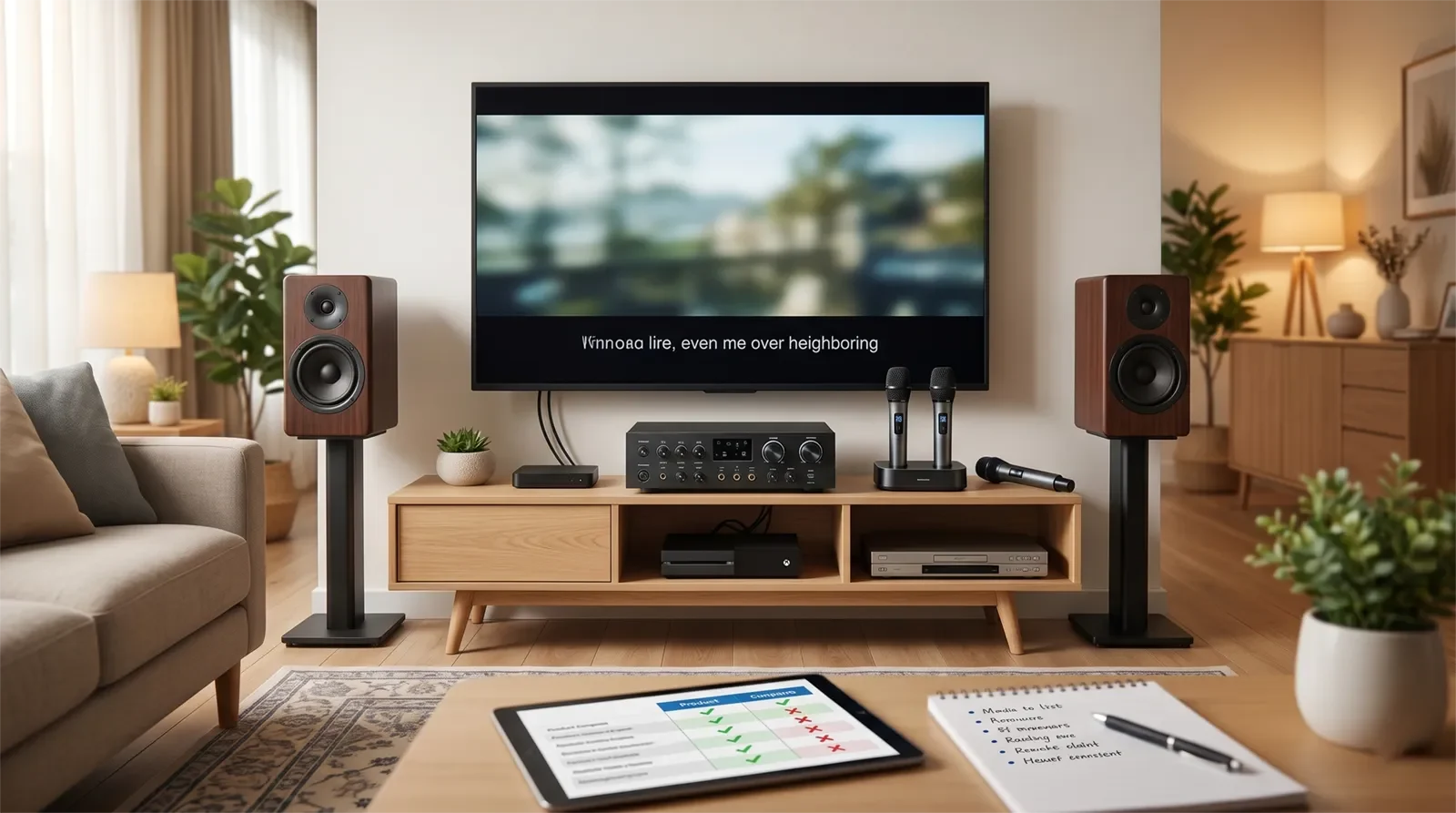
Table of Contents
- Quick Answer
- Start With Diagnosis, Not Shopping
- Fix These Free Problems First
- When to Upgrade the Vocal Path First
- When to Upgrade Speakers, Power, or Room Coverage
- When to Upgrade the Control Path
- When to Stop Upgrading and Replace the System
- Budget and Upgrade Trade-Offs
- Common Upgrade Mistakes
- How to Choose the Right Upgrade in 60 Seconds
- Frequently Asked Questions
- Final Recommendation
Quick Answer
Upgrade your karaoke microphones first if vocals sound weak, muffled, unstable, noisy, or hard to hear clearly. Upgrade speakers, amplification, or room coverage first if the whole room sounds thin, harsh, strained, or underpowered even when the microphones are working well. Upgrade the mixer, mixing amplifier, or control path first if the system is hard to balance, feedback is difficult to control, or every singing session requires too much adjustment.
Before buying anything, fix free setup problems: check cable connections, reset extreme settings, reposition speakers, test microphone distance, simplify the signal path, and listen again. If the same weakness still appears during normal singing, that is usually the upgrade worth making.
Start With Diagnosis, Not Shopping
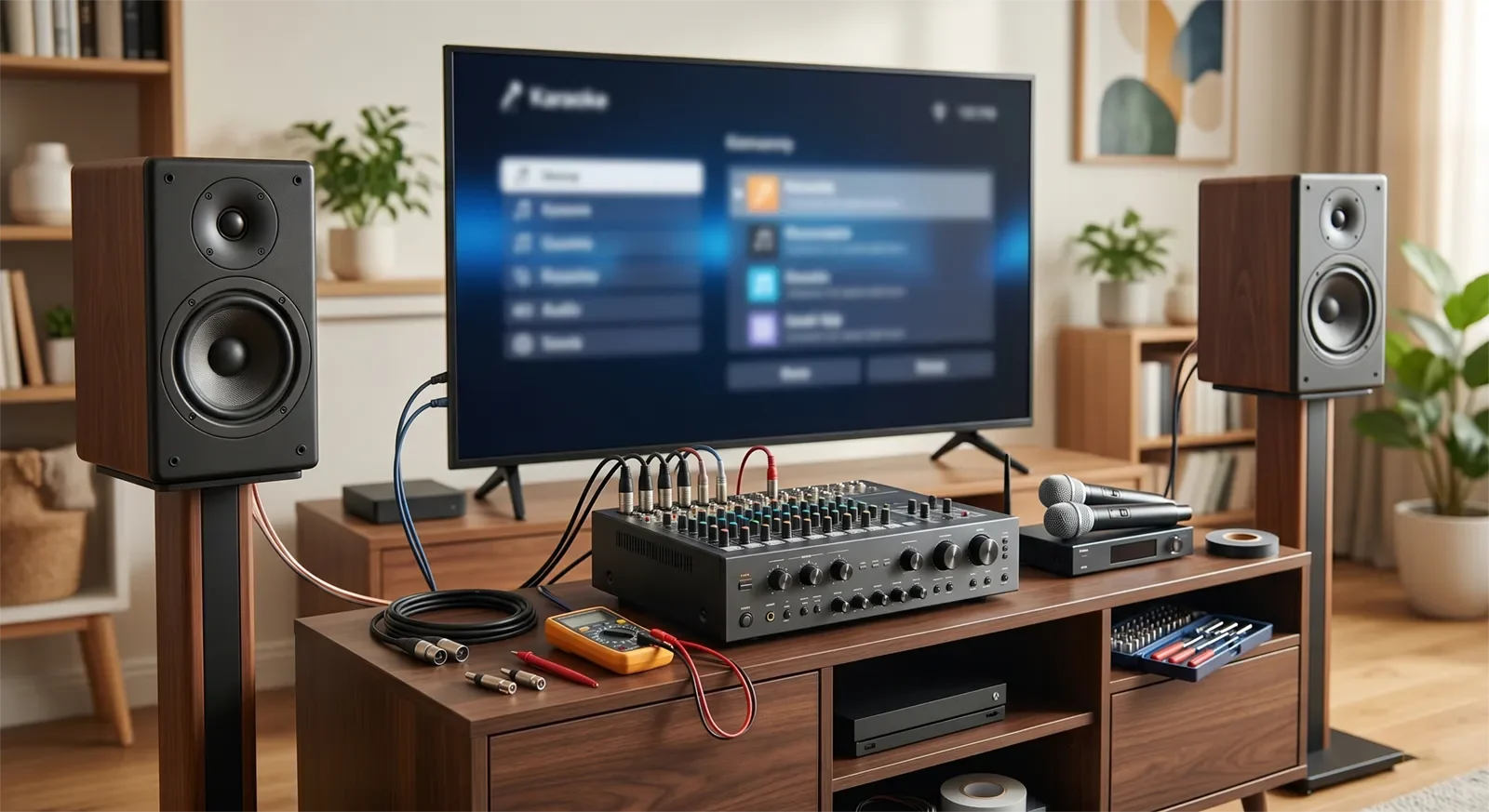
The biggest upgrade mistake is buying the part that looks important instead of the part that is actually limiting the system. A new speaker will not fix a weak microphone. A stronger amplifier will not fix poor speaker placement. A new mixer will not help much if the room itself is being overdriven.
Start by asking one simple question: what fails first when people actually sing? If the singer sounds unclear before the music gets loud, the problem is probably in the vocal path. If the vocals are clear but the room feels thin or harsh, the problem may be in speaker coverage, power, or room fit. If every song needs constant adjustment, the control path may be the real bottleneck.
| Problem you hear | Likely weak link | Best first move |
|---|---|---|
| Vocals sound weak, dull, noisy, or unstable | Microphones, receiver, gain, or vocal input path | Check mic setup first, then consider a microphone upgrade |
| Music gets loud but not fuller | Speaker coverage, amplifier headroom, or room fit | Check placement, then consider speaker or output-side upgrade |
| Feedback happens easily | Mic placement, speaker direction, gain, EQ, or processing | Fix setup and control before replacing major gear |
| System feels hard to adjust every time | Mixer, mixing amplifier, signal path, or settings workflow | Simplify controls and consider a control-path upgrade |
| Several parts feel outdated at once | Overall system foundation | Compare targeted upgrades against full replacement |
Fix These Free Problems First
Many karaoke systems sound worse than they should because the setup is working against itself. Before spending money, give the current system a fair test. Small corrections can reveal whether the gear is truly weak or simply poorly arranged.
- Reset extreme settings. Reduce exaggerated bass, treble, echo, reverb, and microphone gain before judging the system.
- Check speaker placement. Speakers aimed poorly or placed too close to microphones can make vocals harsh or unstable.
- Test microphone distance. Singing too far from the mic often makes people raise gain, which increases feedback risk.
- Clean up cables and connections. Loose, low-quality, or incorrect connections can create noise and weak signal.
- Simplify the signal path. Remove unnecessary adapters or extra devices while testing the core system.
- Listen at normal party volume. Do not judge the system only at very low volume or at maximum volume.
If these fixes improve the system enough, you may not need an upgrade yet. If the same problem remains after the cleanup, you have a clearer reason to spend.
When to Upgrade the Vocal Path First
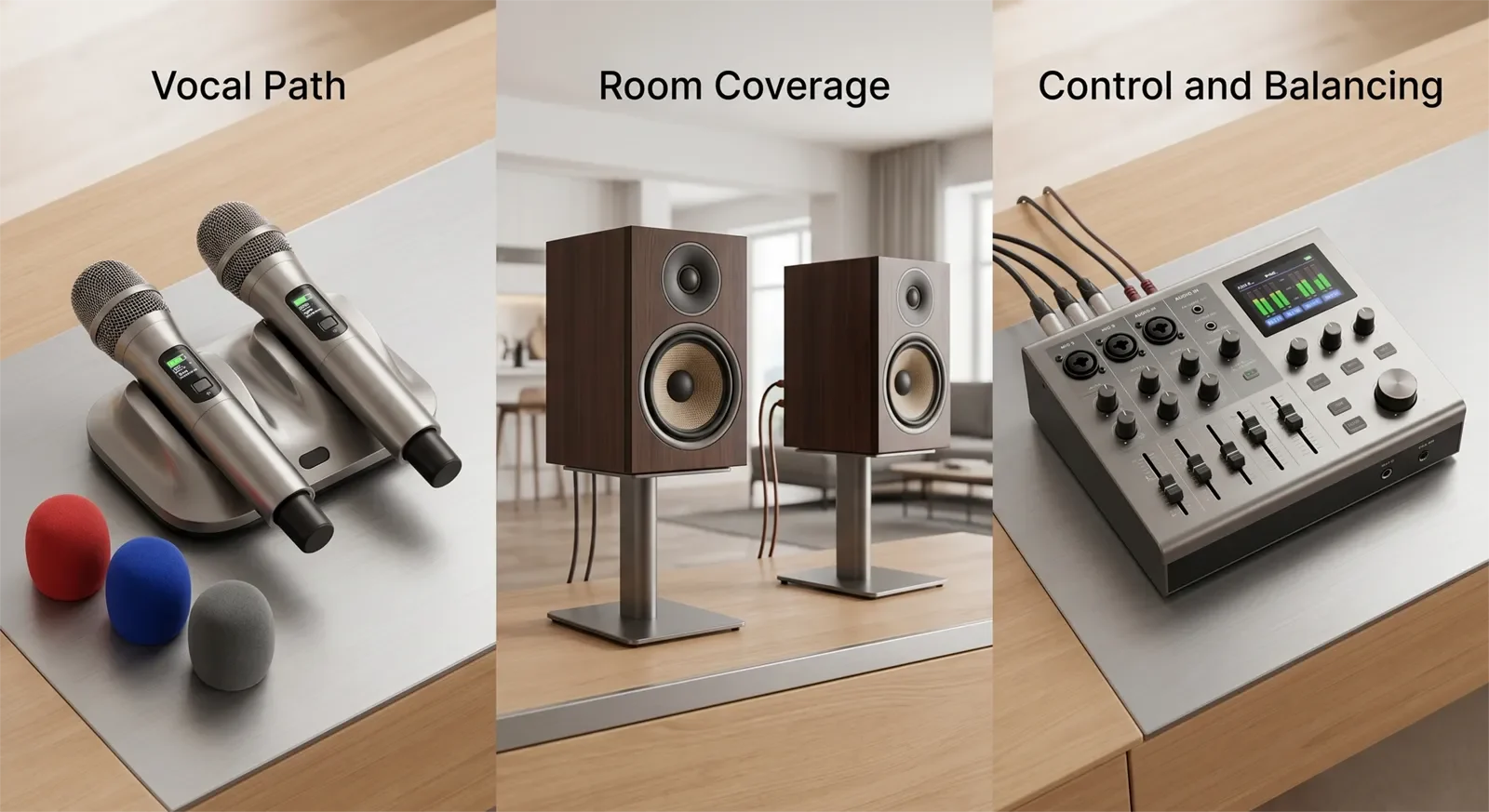
For many home karaoke systems, the microphone side is the first place to check. Karaoke depends on vocals. If the microphone signal is weak, muddy, noisy, unstable, or prone to feedback, the rest of the system has to work harder to hide the problem.
Upgrade the vocal path first if singers often sound distant, dull, thin, or hard to understand. Also consider this route if wireless microphones cut in and out, if the mic must be held very close to work properly, or if small volume changes quickly create feedback.
A vocal-path upgrade may include better wireless microphones, better receiver placement, cleaner gain setup, or a more suitable mixer or mixing amplifier. If the main complaint is vocal clarity, start with Why Good Microphones Matter for Karaoke before assuming you need larger speakers.
When to Upgrade Speakers, Power, or Room Coverage
Upgrade the room-output side first when the microphones are acceptable but the room still feels weak, thin, harsh, or strained. This often happens when the speakers are too small for the space, poorly placed, mismatched with the amplifier, or pushed beyond their comfortable range.
A speaker-side upgrade makes sense when turning the volume up does not make the system sound better. If louder only means sharper, more tiring, or more distorted, the system may need better coverage, cleaner headroom, or a speaker layout that fits the room more naturally.
When to Upgrade the Control Path
Sometimes the microphones and speakers are not the main problem. The system may simply be hard to control. If every session requires constant adjustment, if vocals never sit naturally with the music, or if feedback control feels unpredictable, the mixer, mixing amplifier, or processing path may be the real issue.
A control-path upgrade can make a decent system easier to use. Better control can help balance music and microphones, manage echo or reverb more naturally, reduce harshness, and make the system feel more repeatable from one session to the next.
This upgrade is especially useful for families where several people use the system. If only one person knows how to make it sound acceptable, the setup may be too complicated or poorly matched for normal home use.
When to Stop Upgrading and Replace the System
A targeted upgrade is smart when one weak link clearly stands out. Replacement starts making more sense when several major parts are outdated, mismatched, or limiting each other at the same time.
Consider replacing the whole system if the microphones are weak, the speakers are undersized, the amplifier or mixer is hard to manage, and the room still does not sound comfortable after basic setup fixes. At that point, scattered upgrades can become expensive without creating a clean final result.
The warning sign is simple: every upgrade immediately exposes another major problem. When that happens, you may no longer be improving a good foundation. You may be patching around a system that no longer fits your home.
Budget and Upgrade Trade-Offs
The best upgrade budget is tied to the problem, not to the most expensive item in the system. If one focused change solves the complaint you hear every session, that is usually better value than replacing several pieces at once.
| Situation | Best upgrade logic | When to spend more | When to pause |
|---|---|---|---|
| Only vocals sound bad | Focus on microphones, receiver, or vocal control | When vocal clarity is the main frustration every session | When placement and gain have not been checked yet |
| Room feels underfilled | Focus on speakers, placement, or output-side support | When the room still feels weak at normal party volume | When the microphone path is still unclear or unstable |
| System sounds decent but is hard to use | Improve control workflow or simplify the signal path | When settings frustration prevents regular use | When a free reset or cleanup may solve it |
| One part is clearly outdated | Upgrade that part and test before buying more | When the rest of the system is still solid | When several other parts are also failing |
| Whole system feels mismatched | Compare replacement against multiple upgrades | When patching would cost close to a cleaner new setup | When the problem has not been diagnosed clearly |
Common Upgrade Mistakes
Upgrading the most visible part first
Speakers are visible, so many people assume they should be upgraded first. Sometimes that is correct, but not always. If the microphone signal is poor, new speakers will only make the weak vocal sound louder.
Upgrade the part that limits the experience, not the part that is easiest to notice.
Buying new gear before fixing setup problems
Poor placement, bad gain settings, messy cables, and exaggerated EQ can make decent equipment sound bad. Buying new gear before checking these issues can waste money because the new equipment may inherit the same setup problems.
Always clean up the current system before deciding what it truly cannot do.
Making too many small upgrades
One focused upgrade can be efficient. Several random upgrades can turn into replacement-level spending without ever producing a finished system. This happens when each purchase solves a symptom but not the real system mismatch.
If you need to replace microphones, speakers, amplifier, and control path at the same time, compare that cost against a cleaner complete system.
Ignoring how the family actually uses the system
A technically stronger setup is not always better if it becomes harder for the household to use. For family karaoke, convenience and repeatability matter. If the upgrade makes the system sound slightly better but much harder to operate, it may not be the right upgrade.
The best upgrade should improve both sound and real use.
How to Choose the Right Upgrade in 60 Seconds
- Name the main complaint. Is it vocal clarity, room fullness, feedback, weak bass, harshness, or difficult controls?
- Fix free problems first. Reset settings, check placement, clean up cables, and test again.
- Find what fails first. During normal singing, identify the first part of the system that becomes annoying.
- Upgrade one weak link. Change the part most responsible for the recurring problem.
- Pause before buying more. Use the system after the upgrade before deciding what still needs attention.
- Compare against replacement. If several weak links remain, a new system may be cleaner than more patching.
If you only remember one rule, use this: upgrade the problem you hear every session, not the product category that looks most exciting.
Frequently Asked Questions
What should I upgrade first in my karaoke system?
Upgrade the part that creates the biggest recurring problem. If vocals sound weak or unclear, start with microphones or the vocal path. If the room sounds thin or strained, look at speakers, placement, or output power. If the system is hard to balance, check the control path first.
Should I upgrade microphones or speakers first?
Upgrade microphones first if singers sound dull, noisy, unstable, or hard to hear clearly. Upgrade speakers first if vocals are acceptable but the whole room feels weak, harsh, or underfilled. The right first upgrade depends on what fails during normal singing.
Can better settings improve my karaoke system without buying new gear?
Yes. Better gain, microphone distance, speaker placement, EQ, echo, reverb, and cable cleanup can improve many home karaoke systems. These fixes should be tested before buying new equipment.
Is it better to upgrade one part at a time?
Usually, yes. Upgrading one clear weak link lets you hear what actually improved. It also prevents you from spending money on several changes before knowing which problem mattered most.
When should I replace the whole karaoke system instead of upgrading?
Consider replacement when several major parts are outdated or mismatched at the same time. If microphones, speakers, control, and room coverage all need serious improvement, a complete system may be cleaner and more cost-effective than scattered upgrades.
Can Tittac help me decide what part to upgrade?
Yes. Tittac can help compare your current system, room size, microphone setup, and budget so you can decide whether to tune, upgrade one part, or move toward a more complete home karaoke system.
Final Recommendation
The best karaoke upgrade is the one that removes the bottleneck you hear every time someone sings. Start with diagnosis, fix free setup problems, and then upgrade the part that still limits the system during normal use.
For many homes, the first meaningful upgrade is the vocal path. For others, it is room coverage, speakers, or control. A full replacement only makes sense when the system has too many weak links to fix cleanly.
Do not upgrade emotionally. Upgrade precisely. That is how you improve an existing karaoke system without wasting money.
Need help deciding whether to tune, upgrade, or replace your current karaoke system? Tittac can help you compare microphones, speakers, control path, room size, and budget in English or Vietnamese.
Visit the Garden Grove showroom · Contact Tittac for upgrade help · Compare realistic karaoke system budget ranges










