
If a karaoke system has a steady hum, buzz, or electrical noise, the cause is usually in the power path, cable path, or one connected device—not the speakers by themselves. The safest fix is to simplify the system, power down before reconnecting anything, and add each device back one at a time until the noise returns.
Written by Toan Ho — Tittac editorial team.
Who this guide is for: Home karaoke users who hear a steady hum, buzz, or electrical noise from their system and want a safe, practical way to find the cause.
How this guide was prepared: This guide was refreshed around common living-room karaoke setups that include TVs, mixers, amplifiers, wireless microphone receivers, power strips, audio cables, and normal home wiring habits.
Hum and buzz can make a karaoke system feel broken even when the music, microphones, and speakers still work. The noise may sit quietly in the background, become obvious between songs, or get louder when certain devices are connected.
The frustrating part is that hum often leads people to blame the wrong equipment. In many home karaoke systems, the speaker is only revealing the noise. The actual cause may be a ground loop, loose cable, noisy source device, overloaded power strip, or a TV connection that introduces electrical noise into the audio chain. If your system has several different symptoms, start with Common Karaoke Problems and How to Fix Them before narrowing the issue to hum and buzz.
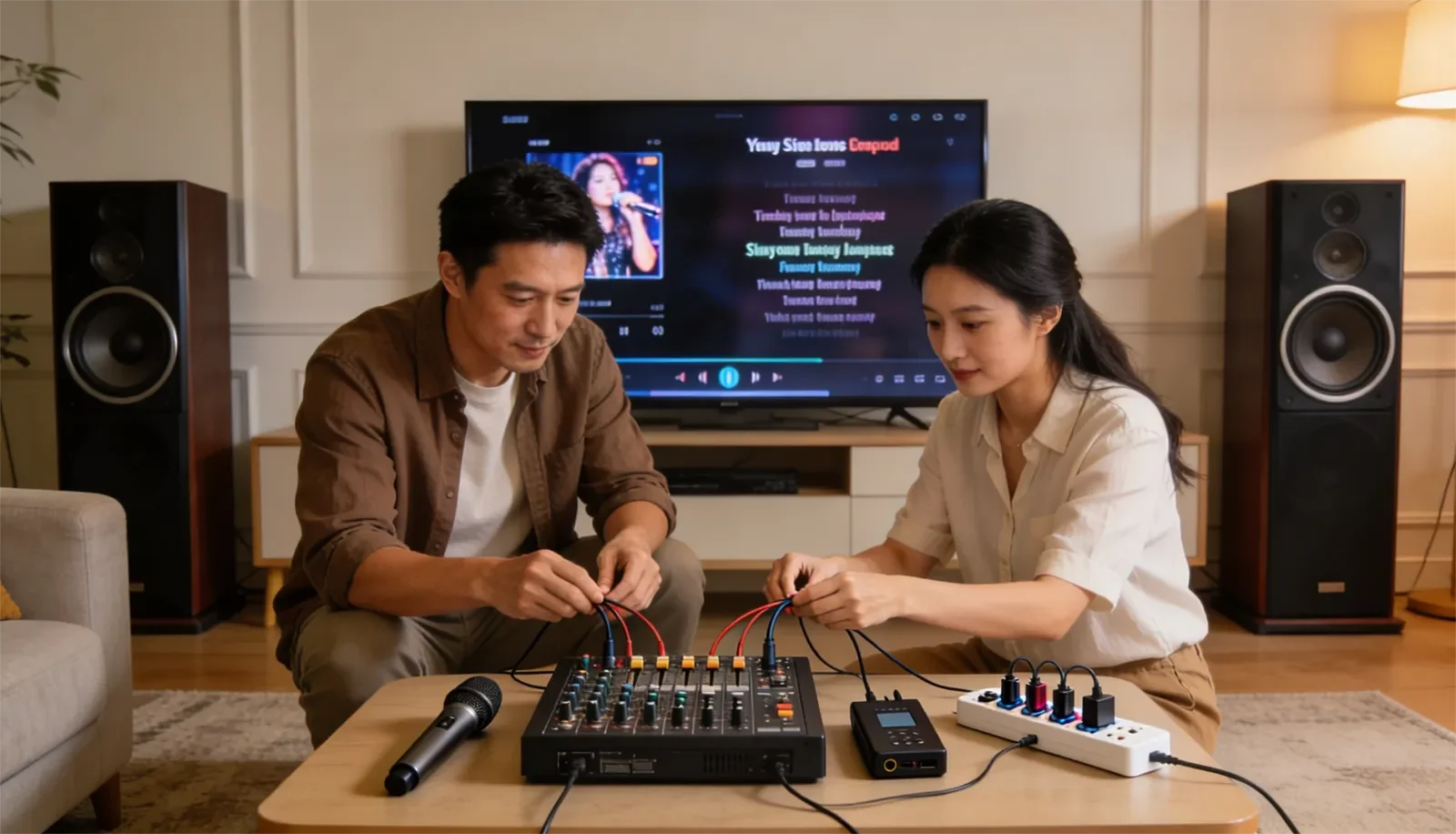
Table of Contents
Quick Answer
Most karaoke hum, buzz, or ground noise comes from a ground loop, noisy power connection, loose or damaged audio cable, or one device adding noise into the signal chain. The safest troubleshooting method is to turn the system down, power it off before changing connections, simplify the setup to the minimum working path, then reconnect the TV, microphone receiver, mixer, amplifier, and source devices one at a time.
Do not remove grounding pins, open powered equipment, or use unsafe adapters to make the noise disappear. A quiet system is not worth an electrical safety risk.
What This Symptom Usually Means
A steady hum or buzz usually means unwanted electrical noise is entering the karaoke system somewhere before the sound reaches the speakers. The noise may come from the power path, the audio path, or the way several devices are connected together.
This is different from feedback, distortion, or poor vocal tone. Feedback usually sounds like a squeal or ringing sound. Distortion usually appears when the system is pushed too hard. Hum and buzz are more constant. They often remain even when nobody is singing and no song is playing.
In a home karaoke setup, the most common trouble points are the TV connection, wireless microphone receiver, mixer or amplifier input, audio cables, power strip, and devices plugged into different outlets. The system may still work normally, but one connection is allowing noise into the chain.
Most Likely Causes
The first common cause is a ground loop. This can happen when connected devices create more than one electrical ground path. In a karaoke setup, this often shows up when the TV, mixer, amplifier, microphone receiver, and source devices are connected together while drawing power from different outlets or different power strips.
The second cause is a noisy power path. A low-quality power strip, overloaded outlet, loose wall connection, or noisy adapter can raise the background noise level. The system may not shut off, but the noise becomes audible through the speakers.
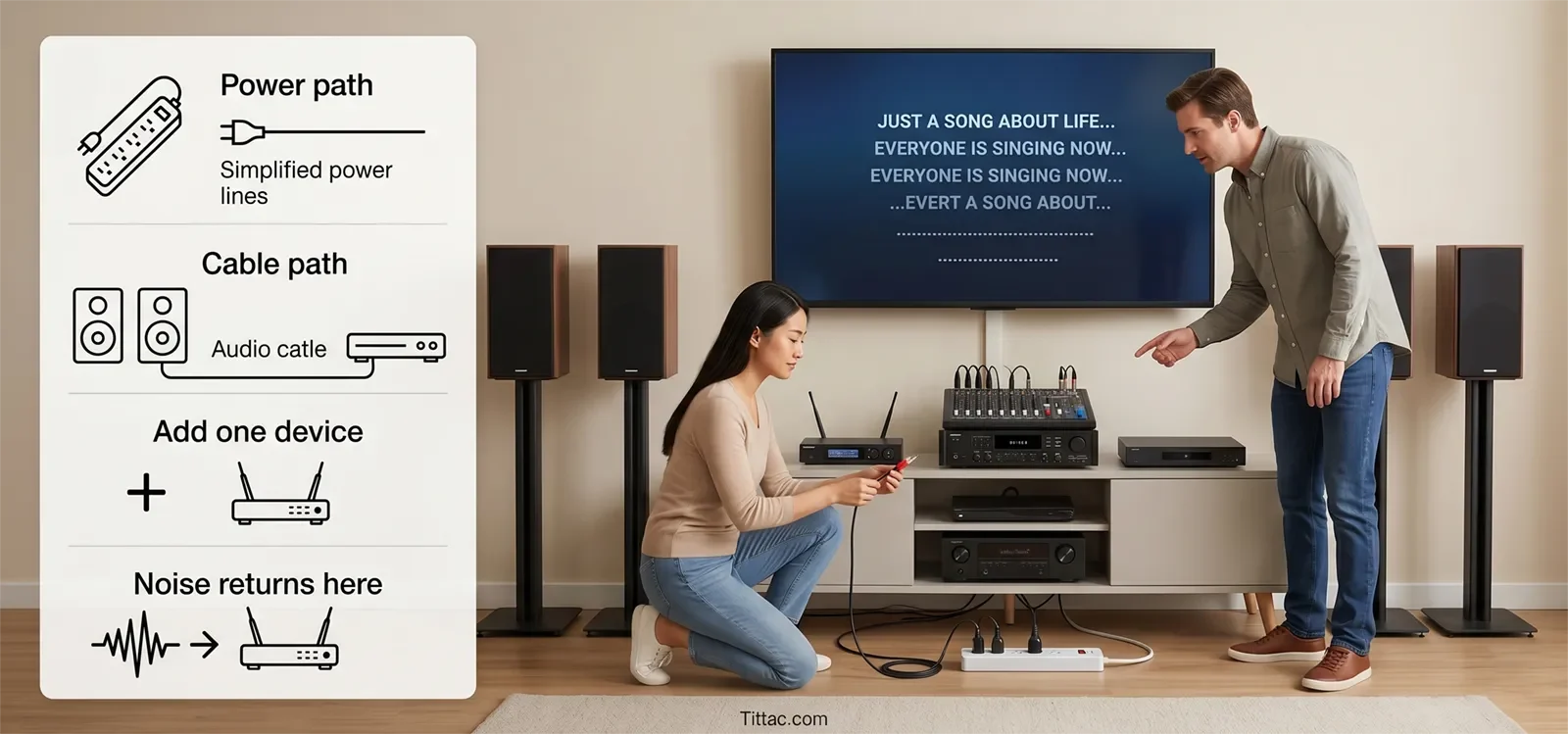
The third cause is a cable issue. A loose plug, damaged cable, poor adapter, or audio cable running too close to power cords can create buzz that sounds like an equipment failure. A clean connection path matters, especially when several devices are tied together. For a broader setup foundation, see Step-by-Step Home Karaoke Setup Guide.
The fourth cause is one noisy device. TVs, streaming boxes, wireless microphone receivers, mixers, and external adapters can all introduce noise if their output, power supply, or connection path is unstable. The only reliable way to find that device is to test the system in a controlled order.
Step-by-Step Checks at Home
Start by lowering the system volume and powering everything down before unplugging or reconnecting cables. Do not move live audio cables while the system is amplified, because sudden pops or surges can damage speakers or startle people in the room.
Next, simplify the system. Disconnect optional devices and leave only the minimum path needed to test clean sound. For example, remove the TV connection, extra source devices, and unnecessary adapters if possible. If the hum disappears, the core speaker path may not be the problem.
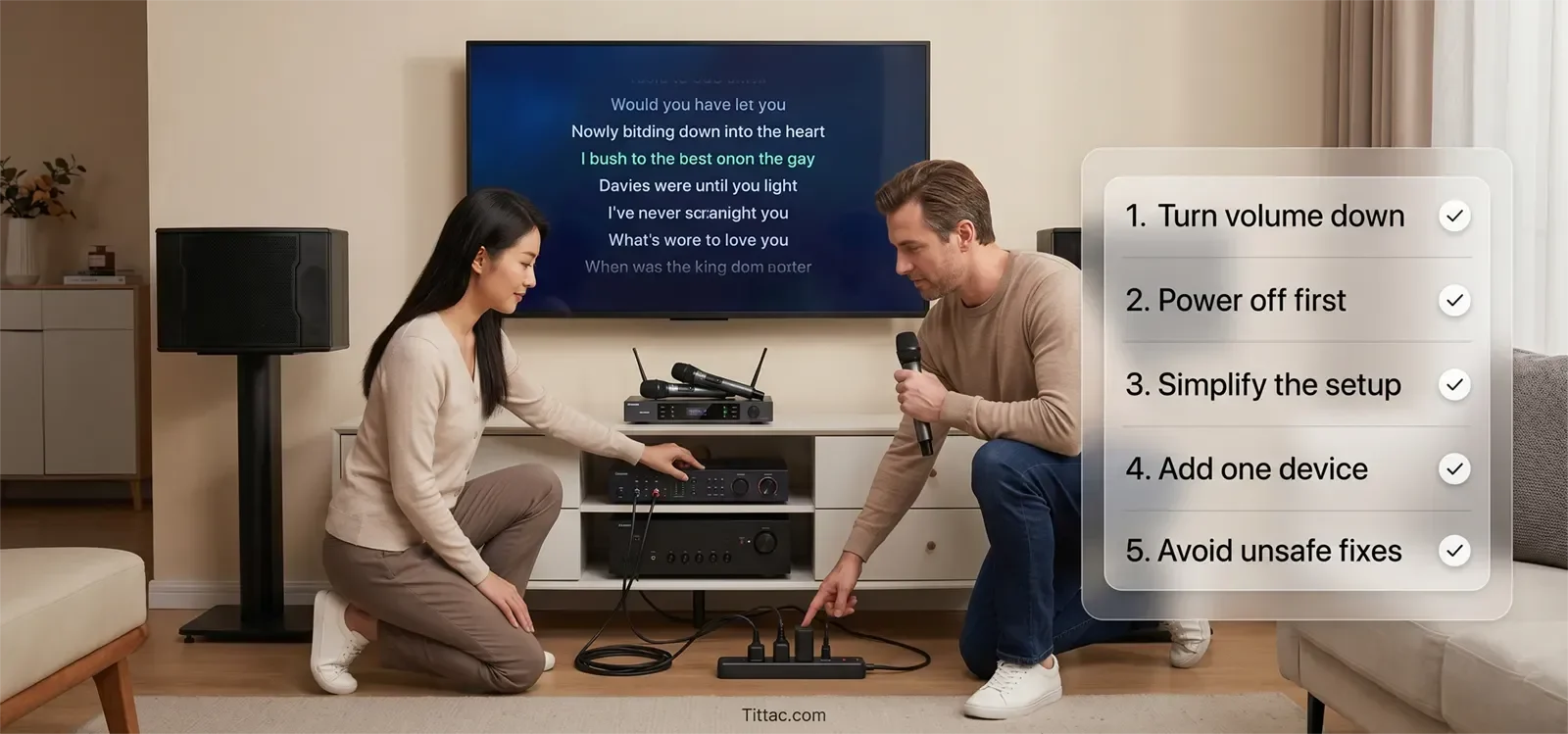
Then add devices back one at a time. Reconnect one device, power on, listen, then power down again before changing the next connection. If the noise returns after one specific device is added, you have found the most likely trouble area.
If the hum appears when the TV is connected, focus on the TV audio output, HDMI or optical path, adapter, and power relationship between the TV and audio system. TV-related noise is common in living-room karaoke because the video system and audio system are often powered and grounded differently. For that setup path, read How to Connect a Karaoke System to a TV.
If the noise appears when the wireless microphone receiver is connected, check its power adapter, audio cable, receiver output level, and input connection on the mixer or amplifier. Try a known-good audio cable if available.
If the noise changes when you touch or move a cable, that cable or input connection deserves closer inspection. Reseat the plug fully, avoid tight bends, and keep audio cables away from power cords when possible.
During testing, it can help to plug the main karaoke devices into the same quality power strip. This does not fix every case, but it can reveal whether the noise is related to power differences between outlets.
What People Blame Too Quickly
Many people blame the speakers first. In most hum and buzz cases, speakers are only making the noise audible. Replacing the speakers usually will not fix noise that is entering from the mixer, amplifier, TV, receiver, or power path.
People also blame the microphone too quickly. A steady electrical hum is usually not caused by the microphone capsule itself. It may become easier to hear when the microphone channel is active, but the source is often upstream in the receiver, cable, power adapter, or mixer input.
Another common mistake is buying more accessories before isolating the cause. Power conditioners, adapters, and replacement cables may help in some cases, but random upgrades can also make the setup more complicated. The smarter move is to identify the exact device or connection that brings the noise back.
Room size can affect how noticeable a noise feels, but it usually does not create electrical hum by itself. If your main concern is matching system power and coverage to the room, that is a different decision path covered in How to Match a Karaoke System to Your Room Size.
What Not to Do
Do not remove the ground pin from a power plug. Do not use unsafe grounding adapters to make a hum disappear. Do not open amplifiers, receivers, mixers, or powered speakers unless you are qualified to service electrical equipment.
Do not keep raising volume to “cover” the noise. That can make the system louder without solving the cause, and it may create a new problem such as distortion, harshness, or feedback.
Do not replace multiple parts at the same time. If you change the cable, power strip, receiver, and input settings all at once, you may lose track of what actually fixed the problem.
If you smell burning, see sparks, feel heat from a plug, or notice repeated electrical problems from an outlet, stop using the system and have the electrical side checked by a qualified professional.
When This Is Actually a Different Problem
If the sound is a high-pitched squeal or ringing tone, that is probably microphone feedback, not electrical hum. In that case, start with How to Stop Microphone Feedback.
If the noise happens only when someone sings loudly, only at high volume, or only when bass is turned up, the issue may be gain, overload, distortion, or speaker stress rather than ground noise.
If the sound cuts in and out instead of humming steadily, the problem may be a loose connection, wireless dropout, damaged cable, or failing device. That needs a different troubleshooting path than steady background buzz.
The key is to identify the behavior first. Constant hum points toward power, grounding, or connection noise. Squealing points toward feedback. Harshness points toward overload or tuning. Dropouts point toward signal stability.
Conclusion
Most karaoke hum and buzz problems come from the way devices are powered and connected. The fix is not to guess or replace everything. The fix is to simplify the system, test one device at a time, check cables carefully, and find the exact link that brings the noise back.
For many home users, the biggest breakthrough is realizing that the speaker is not always the cause. It is often the final place where a power, cable, TV, receiver, or mixer problem becomes audible.
FAQs
Should all karaoke devices use the same power strip during testing?
Often, yes. During troubleshooting, plugging the main karaoke devices into the same quality power strip can help reveal whether the hum is related to how power is being shared. It is not a guaranteed fix, but it is a useful test.
Can a TV cause hum in a karaoke system?
Yes. TVs are common sources of hum or buzz in home karaoke systems, especially when the TV and audio equipment are connected together but powered through different paths.
Is replacing cables the first thing I should do?
Not always. First isolate which connection brings the noise back. Once you find the suspicious connection, then testing that specific cable with a known-good replacement makes sense.
Is it safe to remove the ground pin to stop buzz?
No. Do not remove grounding pins or use unsafe electrical shortcuts to stop noise. If grounding or wiring seems to be the issue, use safer troubleshooting steps or call a qualified professional.
Why does the buzz get louder when I raise the microphone volume?
The microphone channel may be amplifying noise that is already in the signal path. Check the microphone receiver, cable, input connection, and power adapter before assuming the microphone itself is bad.
If you want more practical help with home karaoke connection problems, sound issues, and setup symptoms, continue through the troubleshooting section.










