
The best karaoke speaker position for most homes is in front of the singing area, aimed toward the room instead of directly into the microphones. This simple placement usually improves vocal clarity, reduces feedback risk, and makes the system sound more balanced without needing extra volume.
Who this guide is for: Home karaoke users who want clearer sound, easier singing, and fewer feedback problems by placing their speakers better in a real living room, family room, or home entertainment space.
How this guide was prepared: This guide was refreshed for Tittac’s karaoke setup and troubleshooting cluster to focus on practical speaker placement: singer position, microphone pickup, speaker height, room reflection, feedback prevention, and everyday home layout limits.
Speaker positioning can change a karaoke setup faster than most home users expect. The same speakers, microphones, and songs can sound clearer, smoother, and easier to sing with when the room layout is doing the right work.
This guide is not about building a perfect studio layout. It is about placing karaoke speakers in a real home where people stand, move, pass microphones around, read lyrics from the TV, and sing at normal home volume. If you want the full setup sequence first, start with the Step-by-Step Home Karaoke Setup Guide.
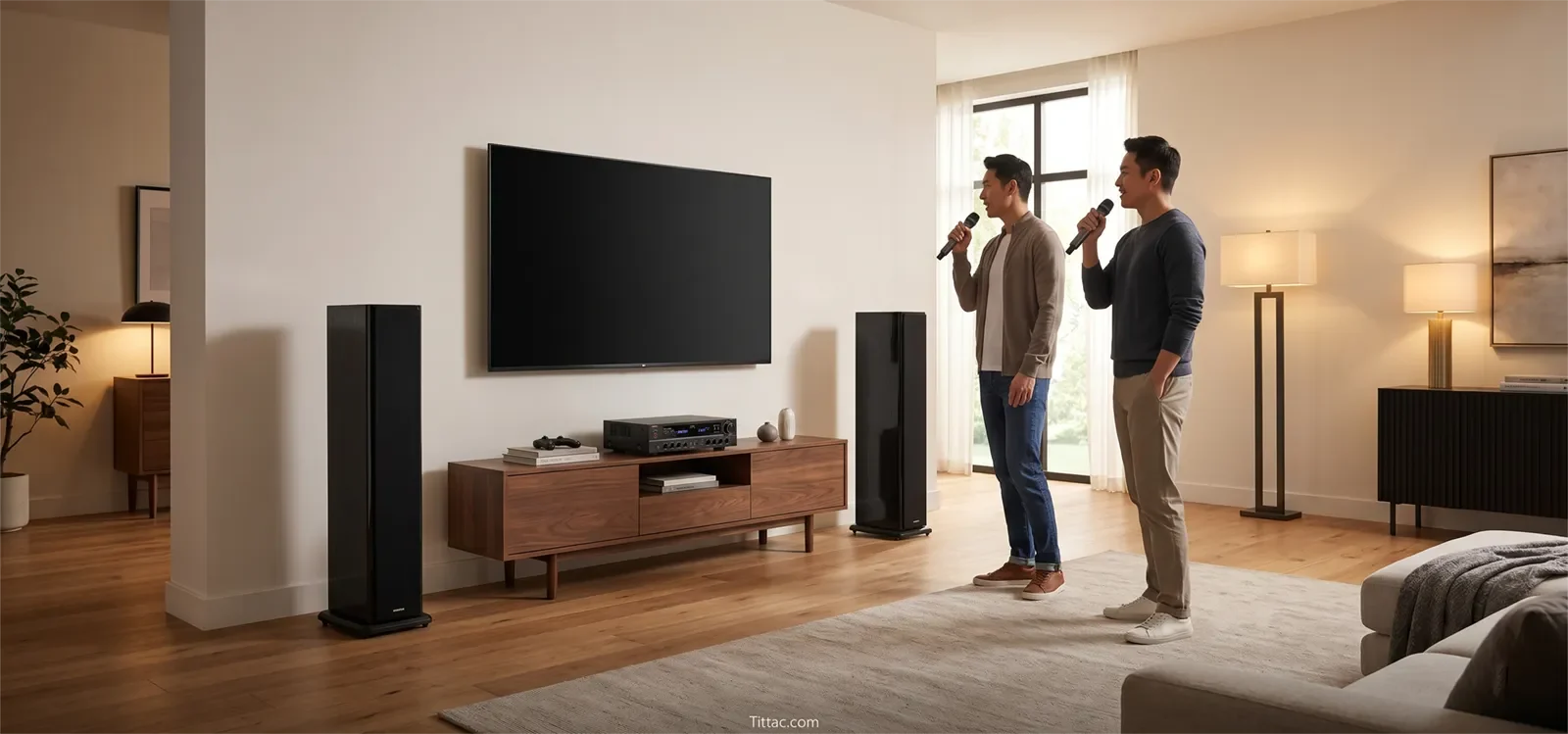
Table of Contents
Quick Answer
For most home karaoke setups, place the speakers in front of the singer, not behind the singer. Aim them across the room toward the listening area, keep the microphones behind the main speaker line, and avoid pointing the speakers directly at the microphones.
This setup helps the room stay more stable. It gives listeners clear music, lets the singer hear the mix more naturally, and reduces the chance that microphone sound will loop back into the speakers and create feedback.
Why Speaker Positioning Matters for Karaoke
Karaoke speaker placement is different from regular music playback because microphones are live in the room. A layout that sounds fine for music can become unstable once someone starts singing into a microphone.
The biggest issue is microphone pickup. If a microphone hears too much direct sound from the speakers, the system becomes more likely to ring, squeal, or feed back. That is why speaker position often matters before EQ, echo, reverb, or volume changes.
Room reflection also matters. Hard floors, glass, bare walls, cabinets, and empty corners can make vocals sound sharper or less focused. Before assuming the system needs more power, it helps to understand how room acoustics affect karaoke sound.
Movement is another real-world factor. Home karaoke is not static. People stand up, move sideways, pass microphones, look at the TV, and sometimes drift closer to one speaker. Good placement should still work when the room is being used naturally, not only when one person stands in one perfect spot.
Best Speaker Position for Most Homes
The best speaker position for most homes is a simple forward layout: the TV or lyric screen stays in the center, the speakers sit to the left and right of the screen area, and the singers stand slightly behind the speaker line.
Think of the room in three zones:
- Screen zone: where the TV or lyric display sits.
- Singing zone: where people naturally stand with the microphone.
- Speaker line: the forward line where the left and right speakers project sound into the room.
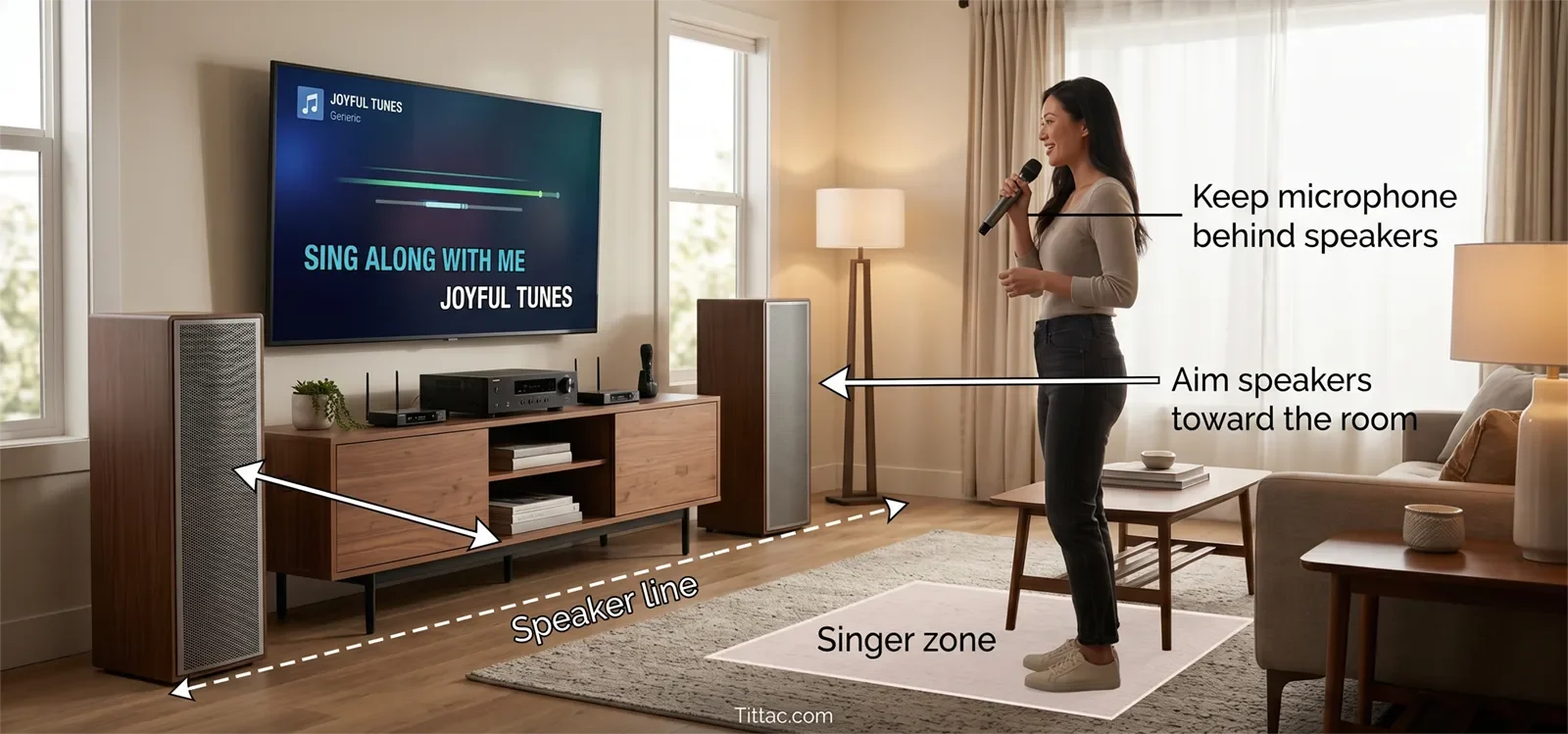
The singer should usually stay behind the speaker line, not in front of it. This helps keep direct speaker sound out of the microphone and makes feedback less likely.
The speakers should aim toward the listening area, not toward the microphone. In many homes, a mild inward angle works better than an aggressive angle. The goal is even coverage, not blasting sound into the center where the singer is standing.
This layout also keeps the room easier to use. The TV remains easy to see, the singing area feels natural, and the speakers can support both the singer and the listeners without forcing the whole system louder.
Speaker Height, Angle, and Spacing
Speaker height can make a big difference. If speakers sit too low, sound may hit furniture, bounce off the floor, or feel muddy near the front of the room. Raising the speakers helps the sound travel across the room more evenly.
The speakers do not need to be extremely high. They just need to project clearly into the room instead of firing into a sofa, table, cabinet, or someone’s knees. Stable stands or secure raised placement can help when the room allows it.
Angle matters too. A slight inward angle can improve coverage, but too much inward angle can send too much sound toward the singer and microphone. If feedback starts easily, try reducing the angle before turning down everything else.
Spacing should be balanced. Speakers placed too close together can make the sound feel narrow and crowded. Speakers placed too far apart can make the center feel weak and uneven. For most small and medium rooms, moderate spacing is the safest starting point.
A simple test helps: listen once from the seating area and once from the actual singing spot. If the couch sounds fine but the singer position feels harsh, unstable, or hard to sing from, the placement is not finished yet.
Common Speaker Placement Mistakes
Putting speakers behind the singer is one of the most common mistakes. This sends more speaker sound into the microphone and raises the risk of feedback.
Pointing speakers directly at the microphone can also make the system unstable. Even if the room sounds loud and exciting at first, it may become harder to control once the singer raises their voice.
Placing speakers too deep in corners can exaggerate bass and make vocals less clear. Corner placement may make the system feel bigger, but it can also make the room boomier and less controlled.
Keeping speakers too low can cause sound to hit furniture or reflect awkwardly off the floor. This often makes users raise the volume when the real problem is blocked or poorly aimed sound.
Letting singers stand in front of the speakers can create feedback and poor vocal balance. If singers naturally drift forward, mark or arrange the room so the main singing area stays behind the speaker line.
If feedback is already a regular issue, speaker placement should be checked before making complicated setting changes. For a focused guide, read How to Stop Microphone Feedback in Karaoke Systems.
Small-Room and Living-Room Adjustments
Small rooms need calmer placement. Avoid extreme speaker angles, excessive bass, and positions that put the singer too close to the speaker output. In a small room, cleaner placement usually beats louder sound.
Living rooms need a practical layout. The speakers should improve karaoke without blocking walkways, taking over the seating area, or making the room feel difficult to use every day. A good setup should still feel like part of the home.
If the room is reflective, soft surfaces can help. Rugs, curtains, upholstered seating, and fewer bare surfaces can reduce harshness and make the system easier to control at normal volume. These changes do not replace good placement, but they can make good placement work better.
If your karaoke system shares space with normal family use, read Best Karaoke Setup for Living Rooms. That guide connects speaker placement with seating, TV position, room comfort, and everyday usability.
Speaker Placement Checklist
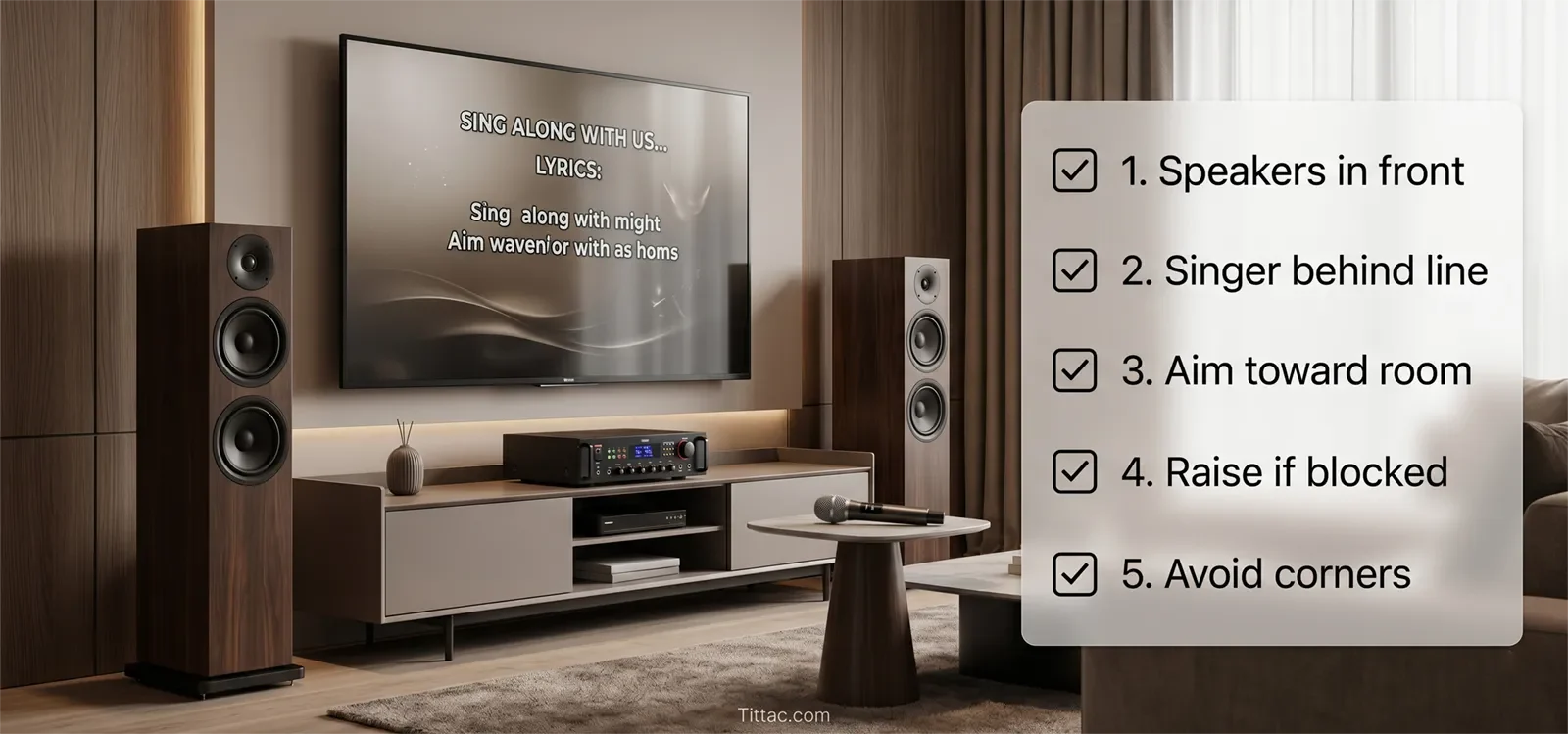
- Keep speakers in front of the main singing area.
- Keep singers behind the speaker line whenever possible.
- Aim speakers toward the listening area, not directly into microphones.
- Use a mild inward angle instead of aggressive toe-in.
- Raise speakers enough so sound is not blocked by furniture.
- Avoid placing speakers tightly in corners unless the room leaves no better option.
- Test the sound from both the seating area and the singer position.
- Keep the TV or lyric screen easy to see from the singing spot.
- Prevent singers from walking directly in front of the speakers while holding the microphone.
- Fix placement before relying on more volume, echo, or EQ.
Better speaker placement often improves karaoke before you buy anything new. When the speakers, microphones, and singer position work together, the whole system becomes easier to control.
Frequently Asked Questions
Should karaoke speakers be in front of the singer?
Yes. In most home karaoke setups, the speakers should be in front of the singer, with the singer standing slightly behind the speaker line. This reduces direct speaker sound entering the microphone and lowers feedback risk.
Can I place karaoke speakers behind the singer?
It is usually not recommended. Placing speakers behind the singer often sends more sound into the microphone, which can cause feedback and make the vocal harder to control.
How high should karaoke speakers be?
Karaoke speakers should be high enough to project clearly across the room instead of firing into furniture or the floor. Stable stands or secure raised placement often help the room sound clearer and more even.
Should karaoke speakers be angled inward?
A mild inward angle can help coverage, but too much inward angle may point sound toward the singer and microphone. If feedback happens easily, reduce the angle and keep the speakers aimed more toward the room.
Is corner placement good for karaoke speakers?
Corner placement can make the system sound bigger, but it can also create boomier bass and less clear vocals. In many homes, pulling speakers slightly away from corners gives a cleaner and more controlled karaoke sound.
How do I know if speaker placement is causing feedback?
If feedback starts when the singer moves closer to a speaker, points the microphone toward a speaker, or stands in front of the speaker line, placement is likely part of the problem. Adjust speaker position and singer position before changing many settings.










