
Bluetooth audio often feels wrong for live karaoke because karaoke depends on timing, not just sound quality. Bluetooth can sound perfectly fine for music playback, but live singing is different: your voice, the backing track, and what you hear in the room need to feel locked together in real time. Even a small delay can make singing feel late, disconnected, or harder to control.
Who this guide is for: Home karaoke users who want to understand why Bluetooth can feel acceptable for listening but frustrating for real-time singing.
How this guide was prepared: This guide was written from a home-use perspective, focusing on how Bluetooth encoding, buffering, playback priorities, and signal-path timing affect live karaoke feel in normal rooms.
Bluetooth audio feels convenient because it removes cables and usually sounds fine for casual listening. That makes many home users assume it should work just as well for karaoke. But live karaoke asks for something different from normal playback.
When you are singing, you are not only listening to music. You are reacting to the track, hearing your own voice, and trying to stay in time. If the playback path adds delay, the whole system can feel strange even when the music itself sounds normal. For broader plain-English technical context, see our Karaoke Technical Guides.
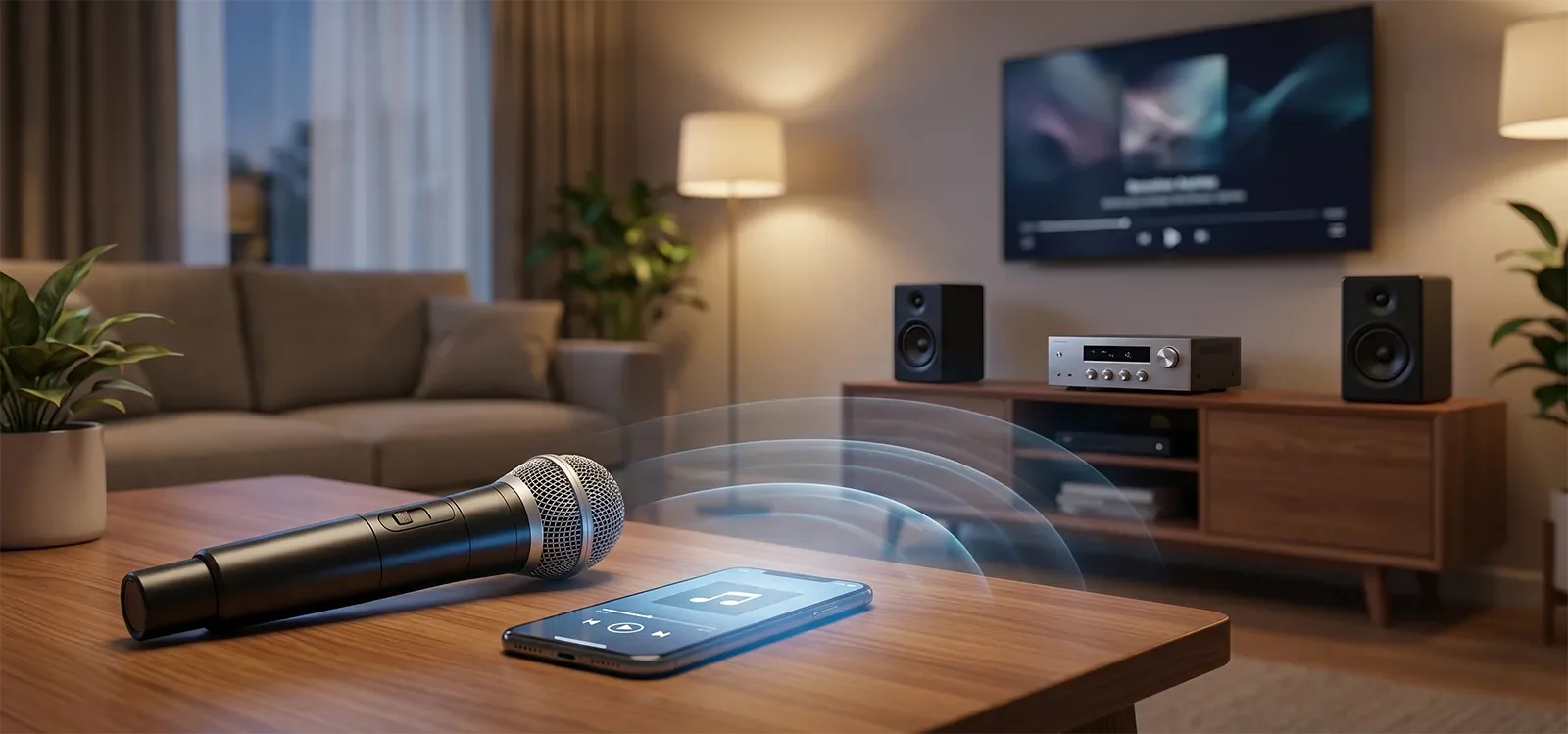
Table of Contents
- Quick Answer
- What Bluetooth audio actually means in karaoke
- Why Bluetooth can add delay
- Why music playback and live singing feel different
- What users actually experience at home
- Common misunderstandings about Bluetooth and karaoke
- A practical home karaoke rule
- Conclusion
- Frequently Asked Questions
- Related Posts
Quick Answer
Bluetooth audio often feels wrong for live karaoke because it is built to keep playback smooth, not to keep live singing perfectly responsive. Bluetooth usually uses encoding, transmission, decoding, and buffering before you hear the sound. That delay may feel harmless when you are only listening to music, but it becomes a problem when your voice has to stay in sync with the track in real time. In karaoke, the issue is usually timing feel more than basic sound quality.
What Bluetooth audio actually means in karaoke
In simple terms, Bluetooth audio is a wireless playback path. Instead of sending sound directly through a cable, the source device encodes the audio, sends it wirelessly, and the receiving device decodes it before you hear it.
That process works well for many everyday listening situations because the goal is usually convenience and stable playback. If you are playing background music, a small delay normally does not matter. The music still sounds smooth, and nothing live is trying to line up with it.
Karaoke changes the standard. The track is not just background audio. It is the timing reference for the singer. Your voice, the lyrics, the beat, and what you hear from the speakers all need to feel connected. A playback path that is fine for listening can feel wrong when it becomes part of a live singing experience.
So Bluetooth in karaoke is not just a convenience feature. It is a timing choice.
Why Bluetooth can add delay
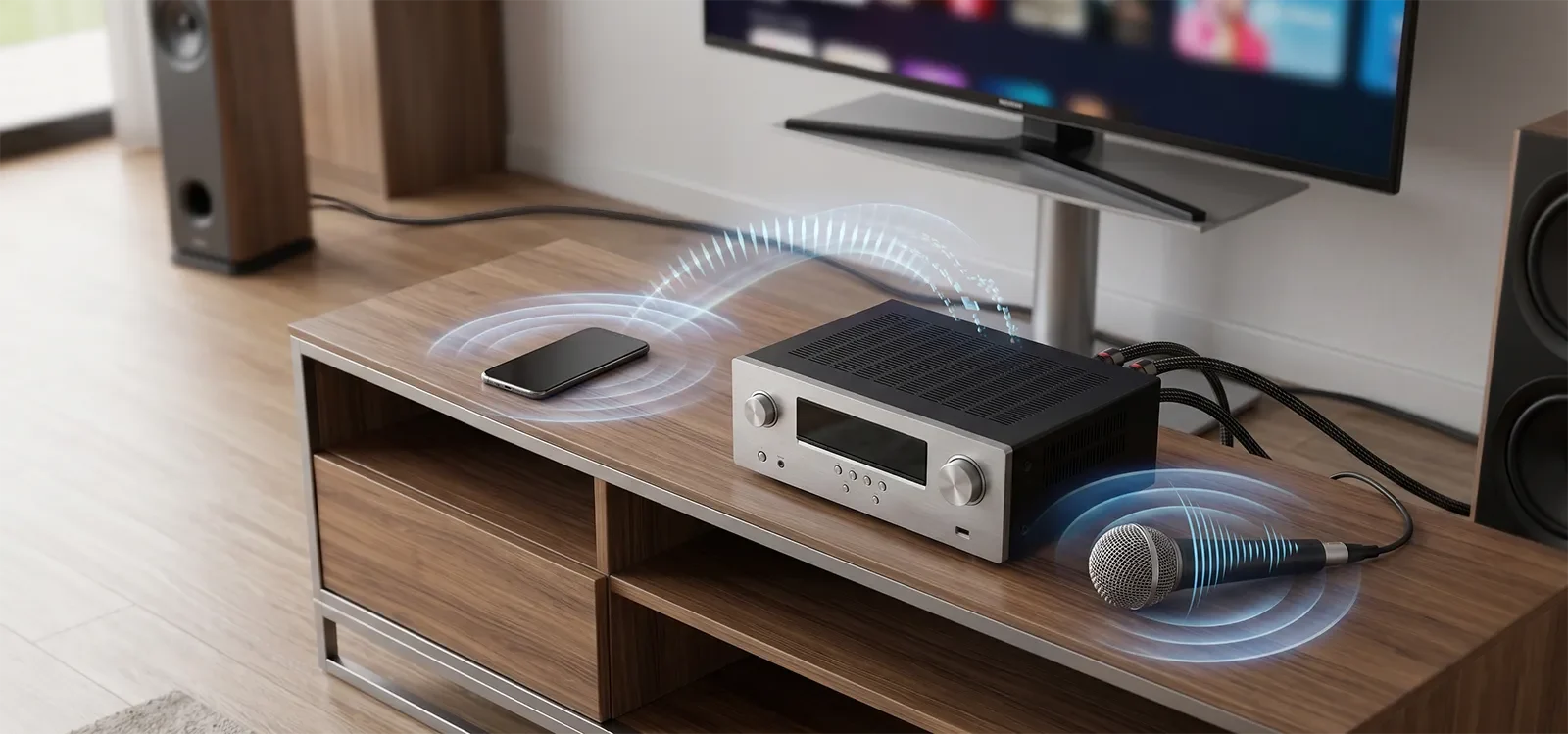
The main reason Bluetooth can feel wrong for live karaoke is buffering. Bluetooth audio often holds a small amount of audio before playback so the stream stays smooth and avoids dropouts. That is useful for casual listening, but it creates a timing cost.
Before the sound reaches your speakers, the audio may go through encoding, wireless transmission, decoding, and buffer management. Each step can add a little delay. The delay may not seem large on paper, but karaoke is sensitive because the singer is performing in real time.
That is why Bluetooth delay is not simply a random flaw. It is part of how the wireless playback path protects stable listening. The system is trying to avoid interruptions, but live karaoke needs immediacy. Those two priorities do not always match.
For a broader explanation of timing issues beyond Bluetooth, see Why Audio Delay Happens in Karaoke Systems.
Why music playback and live singing feel different
Music playback can tolerate delay because there is no live performer trying to synchronize with it. If a song starts a fraction of a second later through Bluetooth, most listeners never notice. The entire track is delayed together, so the experience still feels normal.
Live karaoke is different. Your voice is happening now. Your body, timing, and pitch decisions are reacting to what you hear in the room. If the backing track or monitoring path feels late, your brain has to work harder to stay locked in.
This is why users often say Bluetooth karaoke feels “off” even when they cannot explain the technical reason. The tone may be acceptable. The volume may be fine. The microphone may still work. But the timing relationship feels less natural.
In karaoke, a small timing mismatch can feel bigger than it looks because singing depends on immediate feedback. The system does not only need to play sound. It needs to feel responsive.
What users actually experience at home
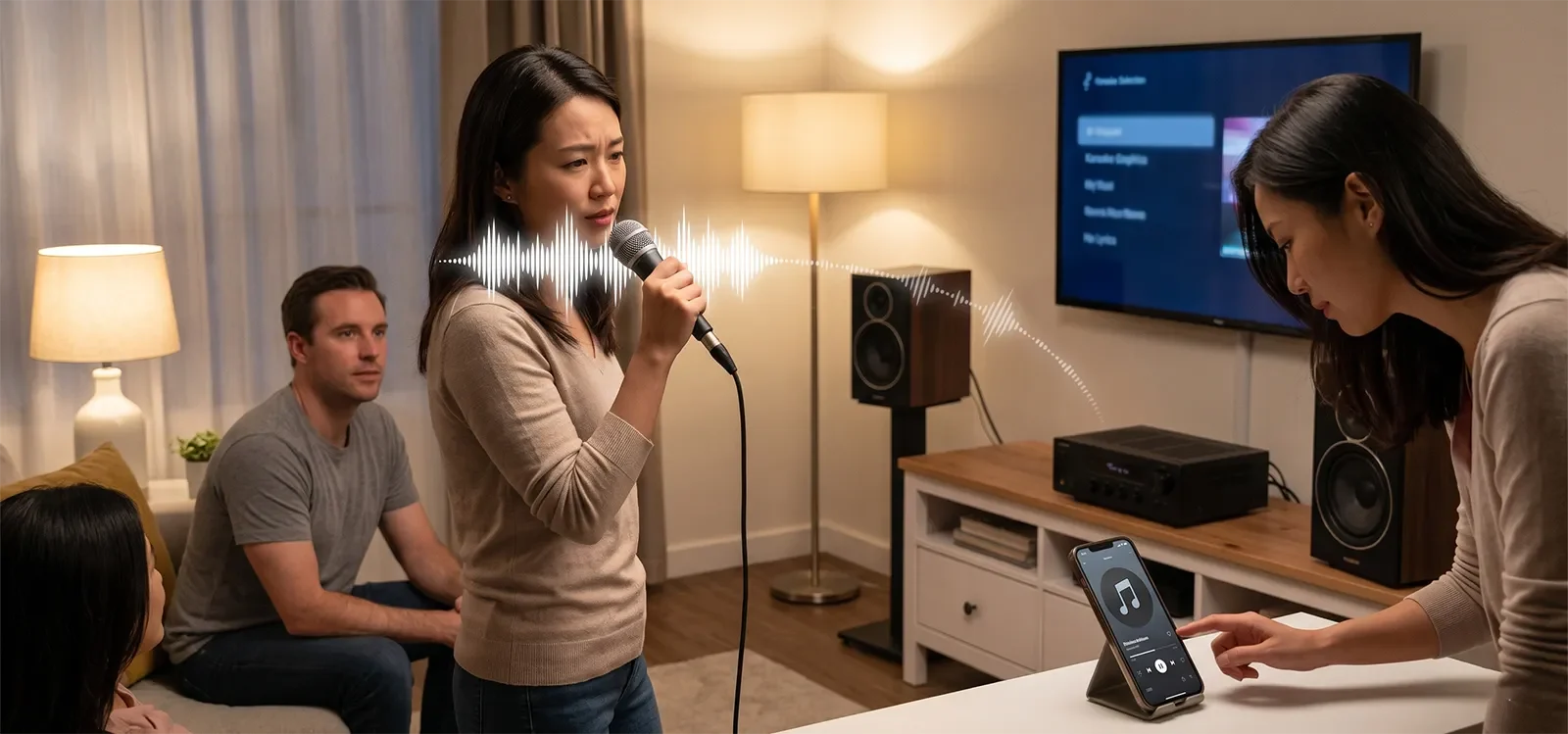
At home, Bluetooth-related timing problems often feel less like bad audio and more like a strange disconnect. The music may sound normal enough, but singing feels late, loose, or harder to trust.
Some singers start second-guessing their timing. Others feel like their voice and the track are not moving together as one event. The experience can become uncomfortable even if the system is not loud, harsh, distorted, or obviously broken.
This becomes especially noticeable in casual family karaoke because singers are relying on the system to feel natural. If the track, microphone, TV, or speaker path is delayed, the singer may compensate without realizing it. That compensation makes singing feel less relaxed.
It also helps to understand where Bluetooth sits in the full signal path. If you want the larger picture in plain English, read Understanding Karaoke Signal Flow Without the Jargon.
Common misunderstandings about Bluetooth and karaoke
The biggest misunderstanding is assuming that if Bluetooth sounds fine for music, it should also feel fine for karaoke. Those are not the same test. Music playback can hide delay. Live singing exposes it.
Another common mistake is blaming the microphone first. Sometimes the microphone is not the main problem. The singer may feel late because the backing track or playback path is moving through Bluetooth delay before reaching the speakers.
People also treat Bluetooth as a simple yes-or-no feature, but the real question is what the wireless path is being asked to do. Bluetooth is usually optimized for smooth playback. Karaoke needs real-time responsiveness. A feature that is convenient for one job can be wrong for the other.
There is also a difference between casual singing and live-feel karaoke. If someone is only playing music and singing along loosely, Bluetooth may feel acceptable. If they want the microphone, track, and room sound to feel tight and immediate, Bluetooth becomes much more risky.
A practical home karaoke rule
The practical rule is simple: judge Bluetooth by live timing feel, not by music playback convenience.
If the system sounds fine when nobody is singing but starts feeling strange as soon as vocals enter, the Bluetooth path may be working against the real needs of karaoke. Convenience only helps when the system still feels responsive.
For home karaoke, Bluetooth is usually safer as a casual playback option than as the main real-time singing path. If timing feel matters, a wired or lower-latency signal path is usually more dependable.
The useful takeaway is this: Bluetooth is often best when the job is listening, not when the job is live performance.
Conclusion
Bluetooth audio often feels wrong for live karaoke not because wireless is automatically bad, but because Bluetooth is usually designed to protect stable playback rather than instant response. That tradeoff is easy to ignore when listening to music and hard to ignore once live vocals need to stay in sync.
That is why convenience and karaoke readiness are not always the same thing. In home karaoke, the more important question is whether the system still feels immediate enough for real-time singing, not whether it only sounds fine when nobody is holding a microphone.
If Bluetooth makes singing feel late, detached, or difficult to lock in, the issue may not be your voice or the microphone. It may be the timing behavior of the playback path itself.
Frequently Asked Questions
Why does Bluetooth sound okay for music but strange for karaoke?
Music playback can tolerate delay more easily than live singing can. Bluetooth usually uses processing and buffering to keep playback smooth, which is often fine when you are only listening. In karaoke, that same delay becomes more noticeable because your voice needs to stay synchronized with the track in real time.
Is Bluetooth sound quality the main reason karaoke feels off?
Usually no. The bigger issue is timing rather than basic sound quality. A Bluetooth path may sound acceptable in tone, yet still feel frustrating for karaoke because the playback is arriving too late to feel natural while you are singing.
Does this mean every Bluetooth karaoke setup is unusable?
Not necessarily. Some people tolerate Bluetooth delay better than others, and some setups feel less distracting than others. The main point is that Bluetooth commonly works against real-time karaoke priorities even when it seems convenient on paper.
Is Bluetooth the only cause of karaoke delay?
No. Other parts of the system can also add delay, including TVs, digital processing, apps, adapters, and certain audio routing choices. This guide only explains why Bluetooth itself is a common source-specific mismatch for live karaoke.
What should I use instead of Bluetooth for live karaoke?
For tighter timing, a wired audio path is usually more dependable. Depending on the setup, that may mean using a direct audio connection from the source, mixer, amplifier, or TV audio output instead of relying on Bluetooth for the main karaoke playback path.
Convenience matters, but live karaoke needs the right signal path.
Read the TV, YouTube, and wireless microphone setup guide for a more practical next step










