
If a karaoke microphone sounds muffled, thin, or dull, the problem is usually not the microphone alone. Most home karaoke vocal problems come from mic angle, blocked grille area, weak battery power, unbalanced EQ, too much room reflection, or a vocal path that needs a simple reset.
Written by Toan Ho — Tittac editorial team.
Who this guide is for: Home karaoke users whose microphone still works but makes the voice sound boxed-in, weak, flat, unclear, or less natural than expected.
How this guide was prepared: This guide was refreshed around real home karaoke troubleshooting patterns, including microphone position, grille blockage, wireless battery strength, vocal EQ, room reflections, and common family-room setup issues.
A karaoke microphone can be frustrating when it technically works but the voice still does not sound right. The singer may sound dull, thin, closed-in, or far away even when the music and speakers seem normal. In many homes, this leads people to replace the microphone too quickly when the real issue is somewhere else in the setup.
The best way to fix the problem is to separate tone problems from signal problems. A muffled or dull mic usually needs a calm check of handling, power, settings, and room behavior. If you want to start with the most basic vocal pickup habit first, read Best Microphone Distance and Angle for Clear Vocals before treating the microphone as defective.
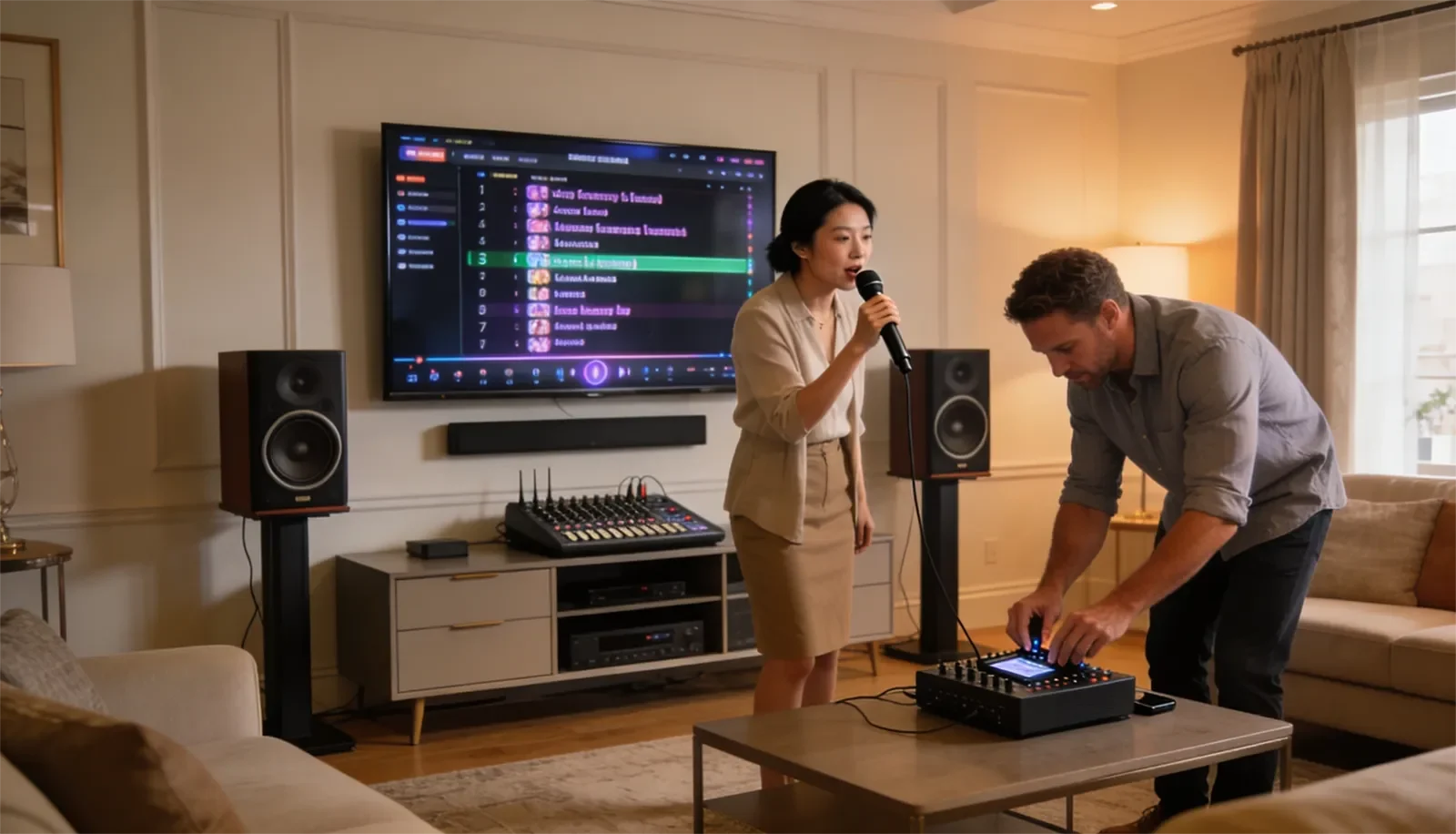
Table of Contents
Quick Answer
A karaoke microphone usually sounds muffled, thin, or dull because the vocal signal is being weakened, blocked, or shaped incorrectly before it reaches the speakers. Start by checking microphone distance and angle, then make sure the grille is not blocked, replace or recharge the battery, reset vocal EQ closer to neutral, and listen for whether the room itself is making the voice feel less focused.
Do not change everything at once. Most home karaoke microphone problems become much easier to fix when you test one cause at a time.
What This Symptom Usually Means
When a karaoke microphone sounds muffled, thin, or dull, the vocal signal is usually still reaching the system. The problem is that the voice is losing clarity, body, or focus somewhere along the way.
A muffled voice often means the upper vocal detail is being reduced. This can happen when the microphone is aimed poorly, the grille is partly covered, the vocal EQ is too soft, or the room is reflecting sound back in a way that blurs the voice.
A thin voice often means the microphone is not capturing enough usable vocal body. The singer may be too far from the mic, too far off-axis, or using settings that remove warmth without adding clarity.
A dull voice sits between those two problems. The microphone works, but the vocal does not feel open, present, or alive. That is why the right fix is diagnosis, not guessing.
Most Likely Causes
The first cause to check is microphone use. If the microphone is too far from the mouth, pointed away from the singer, or moving constantly during singing, the voice can lose directness. This is especially common in family karaoke, where different singers hold the mic differently. For a broader technique guide, see Microphone Technique for Karaoke.
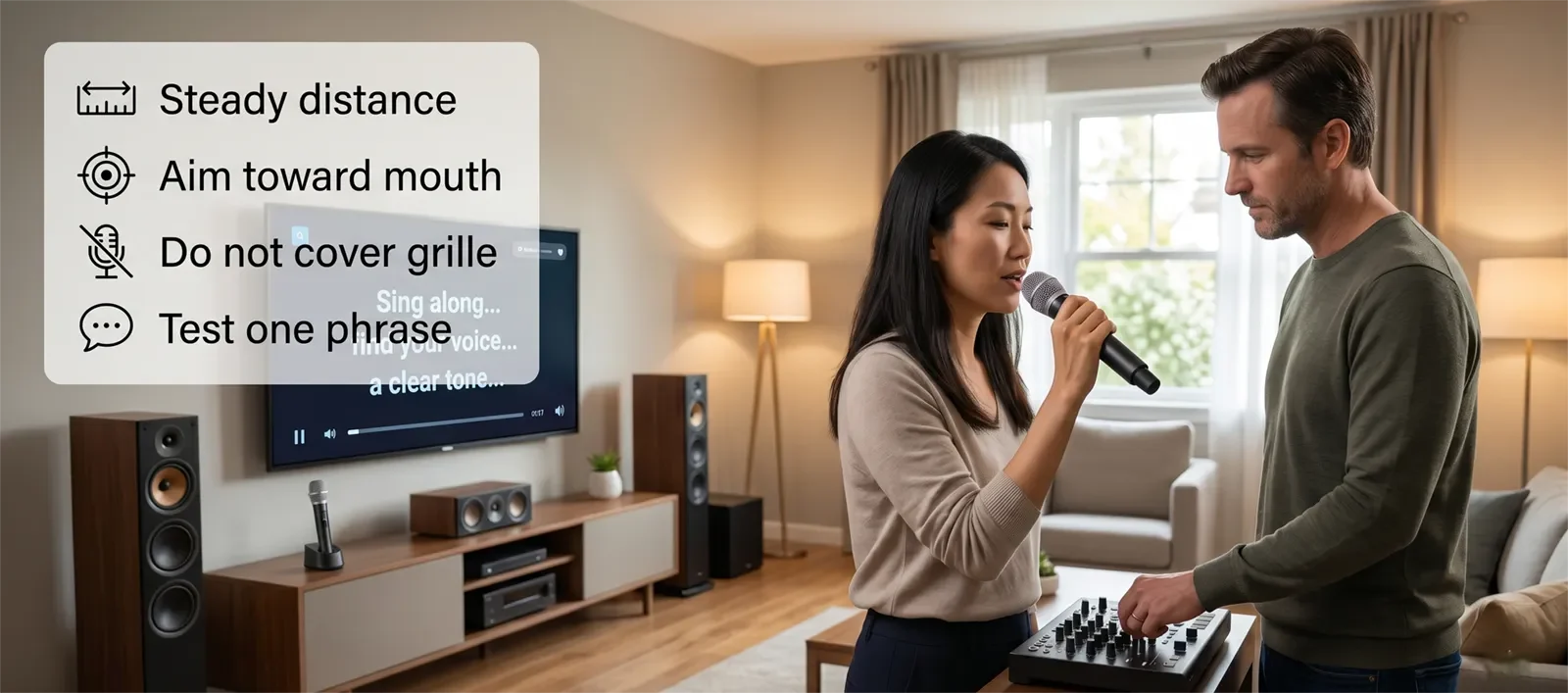
The second cause is grille blockage. If a singer wraps their hand too high around the microphone head, covers part of the grille, or uses a cover that interferes with the pickup area, the voice can sound closed-in or uneven. Even a small blockage can make a clear microphone sound dull.
Weak battery power is another common issue with wireless karaoke microphones. A low battery does not always cause an obvious dropout right away. Sometimes the microphone still passes sound, but the vocal feels weaker, less stable, or less full than normal.
EQ imbalance can also make a microphone sound worse than it really is. If the system has too much low-mid buildup, not enough vocal presence, or overly soft tone settings, the voice may lose definition. On the other hand, boosting brightness too aggressively can make the vocal harsh instead of clear.
The room can also change what you hear. In a reflective living room, hard surfaces can blur the direct vocal sound. The microphone may be working properly, but the room makes the voice feel less focused by the time it reaches your ears.
Step-by-Step Checks at Home
Start with the microphone position. Hold the mic at a steady, natural distance and sing one familiar phrase. Keep the microphone aimed toward the mouth and avoid moving it around during the test. If the voice immediately becomes clearer, the problem was likely handling or angle.
Next, check the microphone grille. Make sure the hand is not covering the microphone head. Remove anything that may block the pickup area, and check whether dust, buildup, or a damaged cover is affecting the sound.
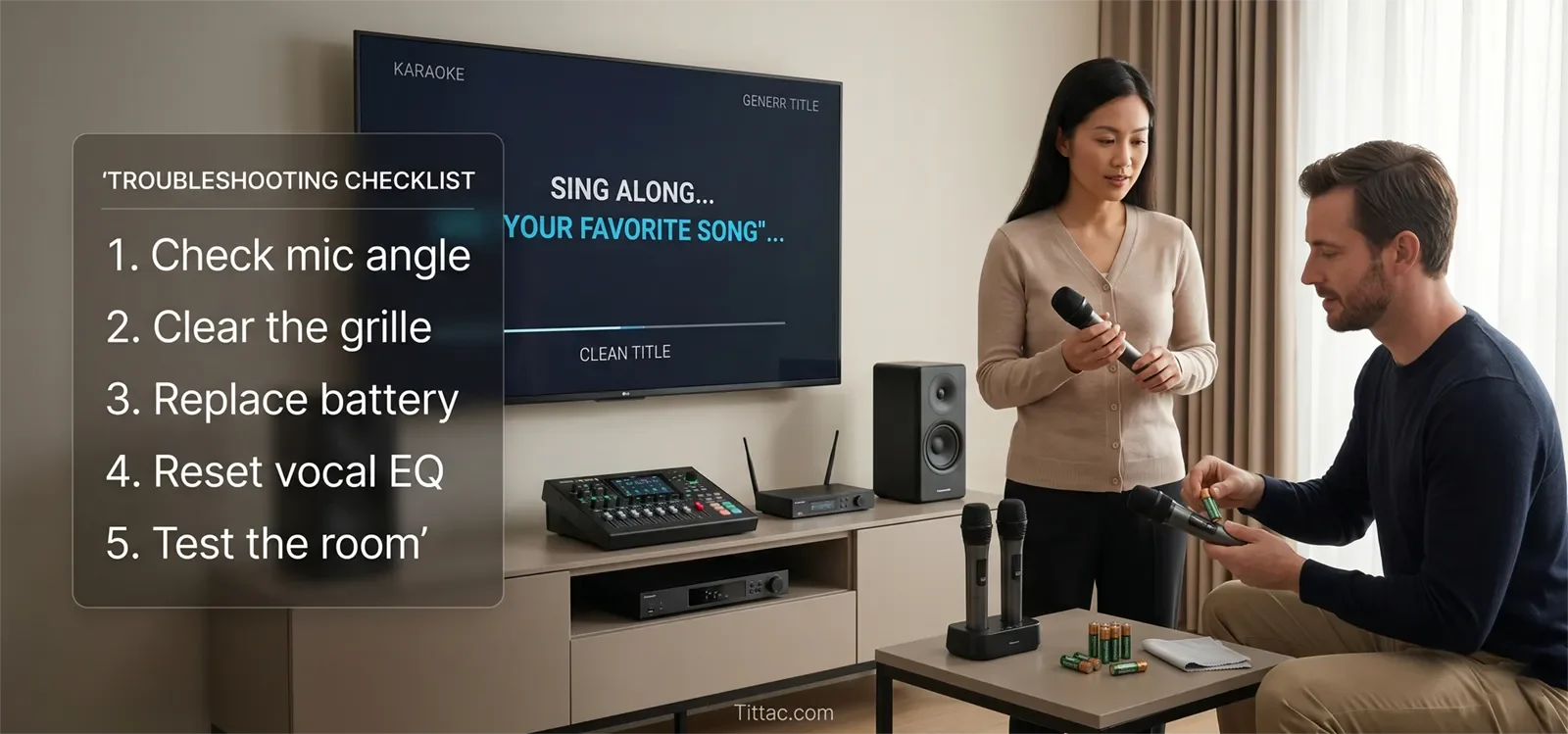
Then check battery and connection stability. For wireless microphones, replace the battery or recharge the unit fully. If the system uses a receiver, confirm that the receiver is connected firmly and that the microphone channel is not set unusually low or unstable.
After that, bring vocal-related controls closer to neutral. Avoid extreme bass, treble, echo, or vocal tone settings during diagnosis. The goal is not to create the perfect mix yet. The goal is to hear whether the microphone becomes more natural when the system is not over-shaping the voice.
If the vocal still feels buried or unclear, the issue may be vocal presence rather than the microphone itself. For that deeper sound behavior, read How Vocal Presence Really Works in Karaoke Mixes.
Finally, test the room. Sing from the normal position, then try a slightly different spot away from large reflective surfaces if possible. If the voice becomes clearer in one position, the room may be contributing to the dullness.
What People Blame Too Quickly
Many people blame the microphone model first. Sometimes the microphone really is low quality or damaged, but many home karaoke problems come from how the mic is used, powered, connected, or adjusted.
People also blame EQ too quickly. Settings matter, but EQ cannot fully fix a voice that was not captured clearly in the first place. If the singer is too far from the mic or blocking the grille, turning knobs may only create a louder version of the same unclear sound.
Another common mistake is assuming more treble always equals more clarity. A dull microphone does not always need more brightness. Sometimes it needs better mic position, less blockage, cleaner gain, or less room reflection. Boosting treble too much can make the vocal sharp while still failing to make it natural.
The biggest mistake is changing too many things at once. If you adjust mic volume, echo, bass, treble, speaker position, and battery all together, you may improve the sound without knowing which change actually fixed the problem.
When This Is Actually a Different Problem
If the microphone cuts in and out, drops signal completely, or changes when the singer moves, the issue may be wireless stability or connection quality rather than vocal tone.
If the voice sounds harsh only when the system gets loud, the issue may be gain, speaker stress, or room overload. That is different from a microphone that sounds dull at normal volume.
If the voice is clear by itself but disappears once the music starts, the problem is probably mix balance. In that case, focus on the relationship between mic volume, music volume, echo, and tone instead of blaming the microphone. A good next step is How to Set Mic Volume, Music Volume, Echo, Bass, and Treble.
Conclusion
Most muffled, thin, or dull karaoke microphone problems come from a small number of realistic causes: poor mic angle, blocked grille area, weak battery power, unbalanced vocal settings, loose signal path, or room reflections. The microphone may still be fine.
The best fix is to isolate the cause in order: mic position first, grille and battery second, settings third, room behavior last. Once you know where the tone is being lost, you can adjust the system with much more confidence.
FAQs
Can a weak battery make a karaoke microphone sound dull?
Yes. A weak battery can sometimes make a wireless karaoke microphone feel less stable, less full, or less clear before it fails completely.
Does holding the microphone the wrong way really change the sound?
Yes. Mic angle, distance, and hand position can strongly affect vocal clarity. Covering the grille or singing off-axis can make the voice sound muffled or thin.
Should I boost treble if my karaoke microphone sounds dull?
Not right away. First check mic position, grille blockage, battery power, and basic connections. If those are fine, then adjust tone controls carefully.
Can the room make the microphone seem worse than it is?
Yes. Reflective rooms can blur the vocal sound, making a working microphone seem dull or less focused than it really is.
How do I know if the microphone itself is bad?
Test the microphone with fresh battery power, a clear grille, steady position, and neutral settings. If it still sounds poor under controlled conditions while another mic sounds normal, the microphone may be the problem.
If you want more practical help with home karaoke setup, connection issues, and symptom-based fixes, continue through the troubleshooting section.










