
Most massage-chair problems should be checked calmly, one simple step at a time. Before you call support, rule out power, outlet, positioning, control settings, clearance, and basic user setup. But do not open the chair, force stuck parts, or keep testing if the chair smells hot, moves sharply, makes grinding noises, or feels unsafe.
Who this guide is for: Massage-chair owners who want safe, basic troubleshooting steps before contacting support.
How this guide was prepared: This guide was prepared using common manufacturer-style support patterns, practical home-use checks, and conservative safety boundaries for user-level troubleshooting.
This guide is for basic troubleshooting only. It helps you rule out simple issues such as power connection, remote response, chair placement, user positioning, and program settings. It is not a repair manual, warranty interpretation page, or routine maintenance guide.
If the problem affects your comfort or safety during use, start with the massage chair health and safety guide. If the issue still needs service after basic checks, use the massage chair warranty and in-home service guide to understand what support may involve.
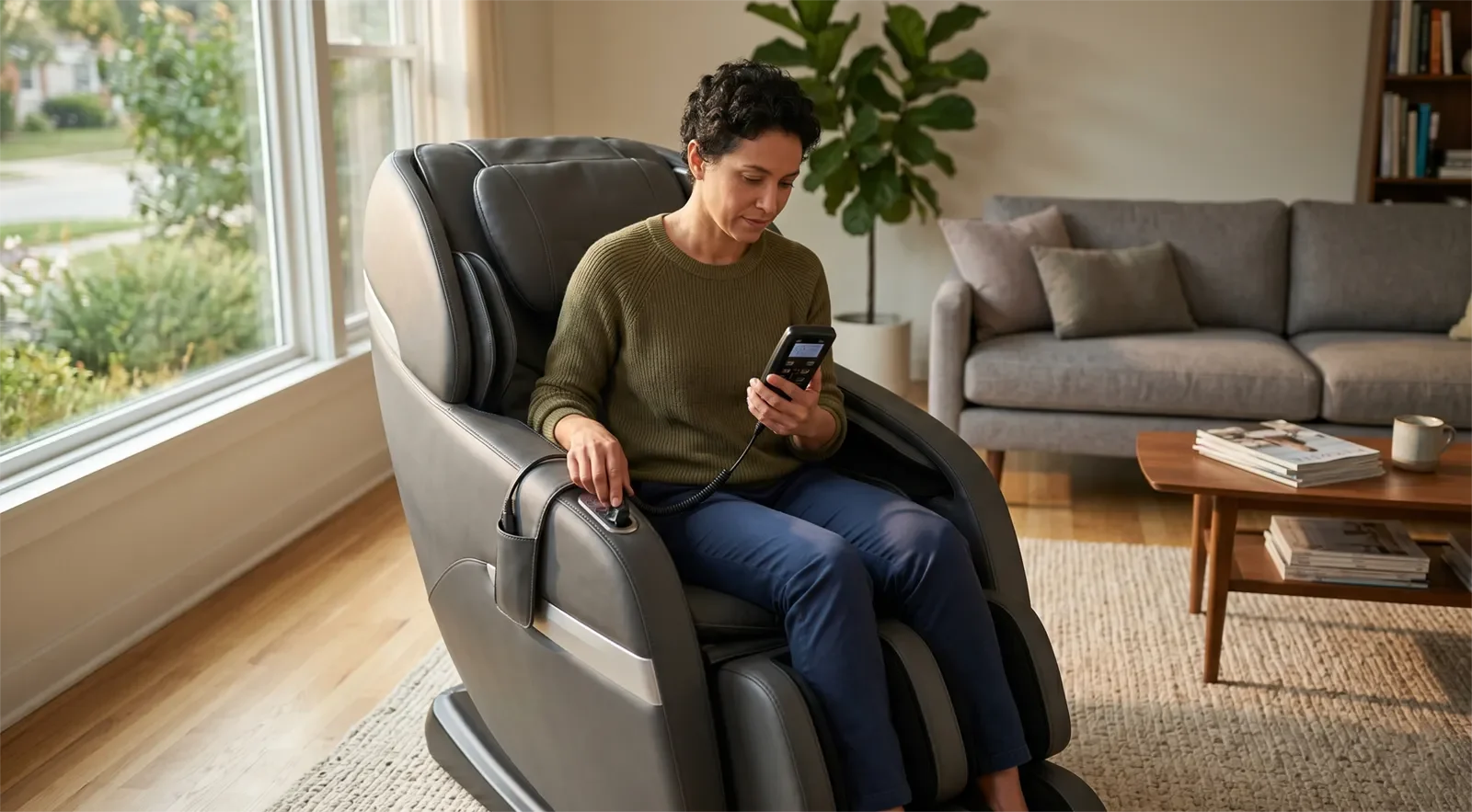
Table of Contents
- Quick Answer
- Before You Start: Keep Troubleshooting Safe
- Problem 1: The Chair Will Not Power On
- Problem 2: The Chair Turns On but Will Not Start a Program
- Problem 3: The Rollers Feel Too High, Too Low, or Just Wrong
- Problem 4: The Chair Feels Too Strong or Suddenly Uncomfortable
- Problem 5: Airbags, Foot Massage, or Leg Sections Do Not Feel Right
- Problem 6: The Chair Stops Mid-Session
- Problem 7: The Remote or Controls Are Not Responding Properly
- Problem 8: The Chair Is Making New Noises
- Problem 9: The Chair Looks Fine but Feels Off Over Time
- When Support Is the Right Next Step
- Frequently Asked Questions
- Related Guides
Quick Answer
Massage chair troubleshooting should start with the basics: confirm power, check the outlet, restart the chair once, review the remote or control panel, sit fully back in the chair, check the selected program, and make sure the chair has enough clearance around moving parts.
Many common issues come from a loose plug, user position, scan mismatch, high intensity setting, blocked movement area, or control setting. Stop troubleshooting and contact support if you notice burning smells, exposed damage, repeated shutoff, grinding noise, jerking motion, stuck movement, or anything that feels unsafe to sit in.
Before You Start: Keep Troubleshooting Safe
User-level troubleshooting should stay simple. Do not open covers, remove panels, force the leg section, pull internal wires, or attempt electrical or mechanical repair yourself.
Stop immediately if the chair has:
- A burning smell or unusual heat
- Exposed wiring or visible electrical damage
- Grinding, snapping, or sharp mechanical noise
- Sudden jerking motion
- A jammed section that does not move normally
- Pressure that feels painful, unsafe, or forcefully misaligned
If the issue is not just mechanical but also affects your body during use, such as dizziness, sharp pain, numbness, or chest discomfort, read the health and safety guide before trying another session.
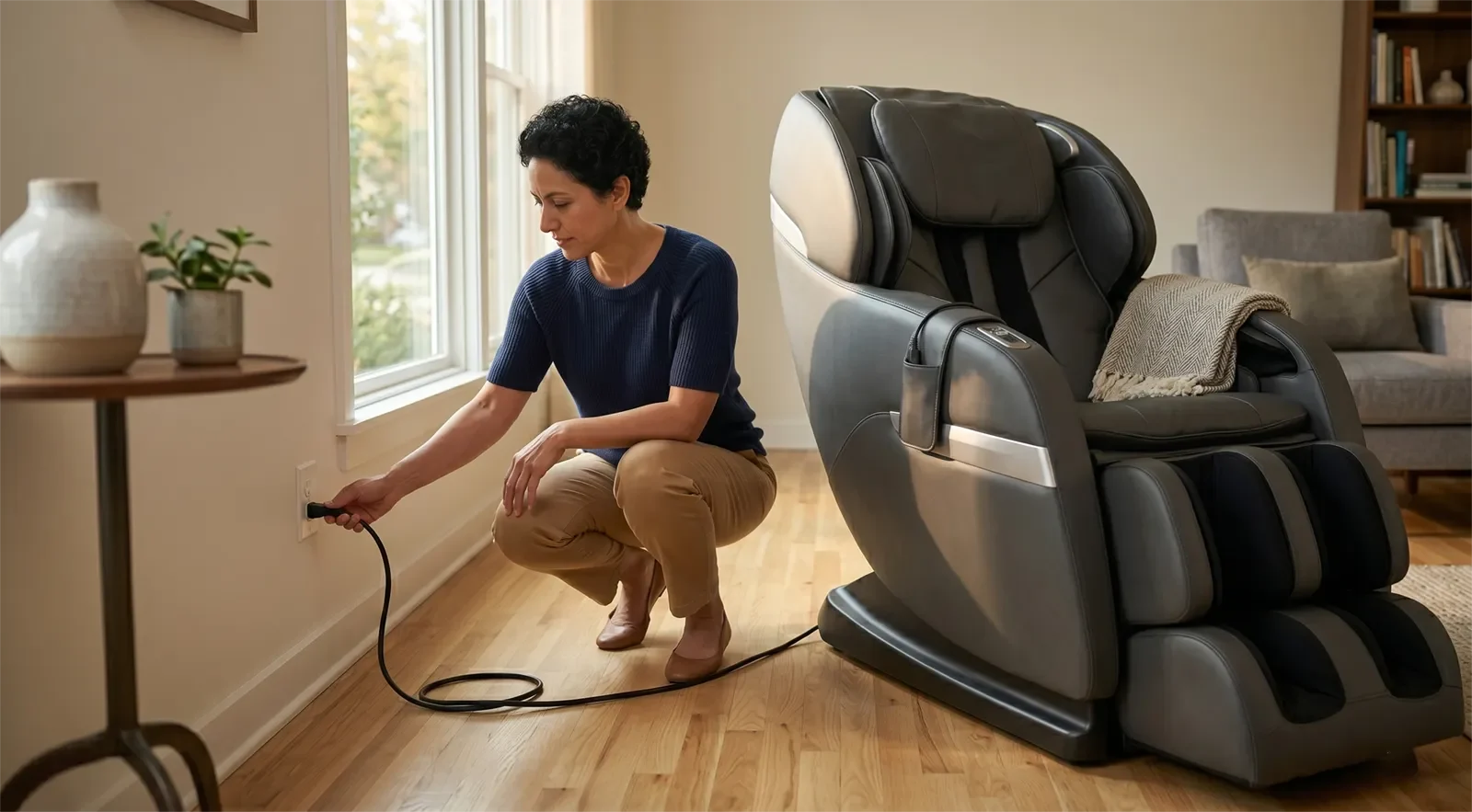
Problem 1: The Chair Will Not Power On
This is the first place to start because many “dead chair” problems are actually power-path problems. Rule out the simple items before assuming the chair needs service.
Safe checks to try
- Confirm the chair is plugged in fully.
- Test the outlet with another device.
- Make sure the main power switch on the chair is turned on.
- Check whether the power cord is loose at the visible entry point.
- Try a clean restart if the chair has partial power but does not fully respond.
When to stop and escalate
If the outlet works, the chair is properly connected, the main switch is on, and there is still no response, stop there. Do not open the chair or inspect internal electrical parts.
Problem 2: The Chair Turns On but Will Not Start a Program
Sometimes the chair has power, but a massage program will not begin. This may be a control, selection, body-position, or startup-sequence issue.
Safe checks to try
- Make sure the remote or control panel is responding normally.
- Check whether the program needs a final confirmation before starting.
- Sit fully back in the chair if it uses body scan or user-position logic.
- Restart the chair once and try a simple preset program.
- Make sure the chair is not blocked by furniture or placed too close to the wall.
When to stop and escalate
If the controls light up but programs still will not run after a clean restart and normal seated position, document what happens and contact support.
Problem 3: The Rollers Feel Too High, Too Low, or Just Wrong
A chair that feels misaligned is not always broken. It may be a body-scan issue, posture issue, program mismatch, or intensity setting that does not fit the user well.
Safe checks to try
- Sit fully back before starting the scan or program.
- Run the scan or startup sequence again if your chair includes body scanning.
- Try a different program to see whether the roller path changes.
- Lower the intensity before testing again.
- Use a softer setting or back cushion if the chair allows it.
When to stop and escalate
If the rollers consistently hit the wrong area in a forceful or painful way even after repositioning and restarting, stop using the chair and contact support. Do not keep testing painful programs.
Problem 4: The Chair Feels Too Strong or Suddenly Uncomfortable
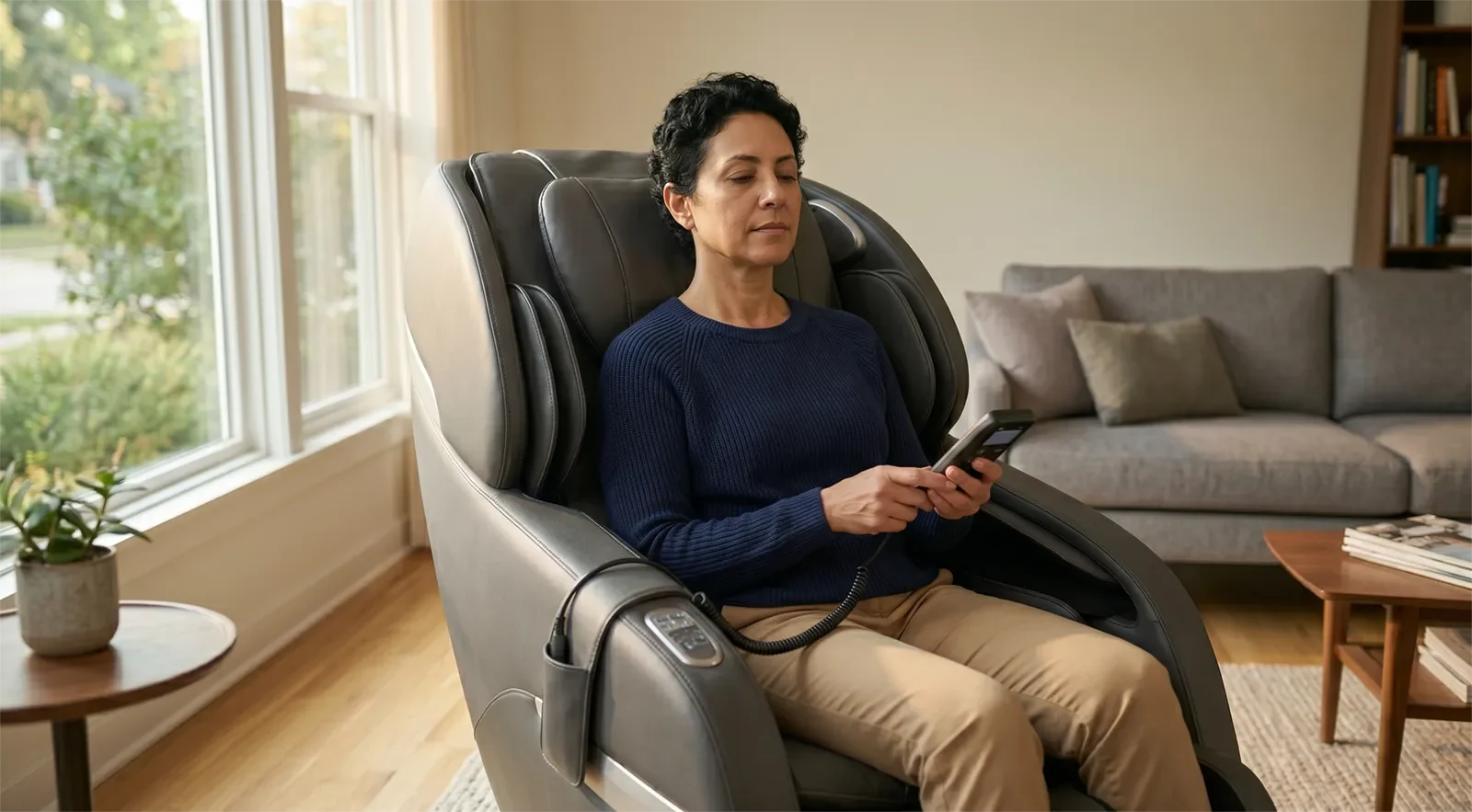
A massage chair that feels too strong may not be malfunctioning. The program may be too aggressive, the user may be new to the chair, or the body position may be causing pressure to land poorly.
Safe checks to try
- Lower the intensity before trying another session.
- Choose a gentler or shorter program.
- Recheck your seated position and body alignment.
- Turn off or reduce air compression if the chair allows it.
- Use the first 30 days massage-chair safety guide if you are still adjusting to a new chair.
When to stop and escalate
If discomfort becomes sharp, alarming, or clearly abnormal, stop. Troubleshooting should never become “try one more painful session and see what happens.”
Problem 5: Airbags, Foot Massage, or Leg Sections Do Not Feel Right
Uneven air compression, awkward calf pressure, or uncomfortable foot massage can come from user placement, selected intensity, leg position, or blocked movement.
Safe checks to try
- Reposition your legs and feet carefully.
- Lower the airbag or foot massage intensity.
- Try a different program to compare behavior.
- Make sure nothing is blocking the leg or foot section.
- Check that the chair has enough room to recline and return normally.
When to stop and escalate
If a section does not move normally, feels jammed, compresses unevenly in a concerning way, or behaves abnormally after simple repositioning, stop. Do not force the leg or foot section back into place.
Problem 6: The Chair Stops Mid-Session
A chair that stops during use does not always mean major failure, but repeated stopping should be taken seriously. Do not keep restarting the chair without checking the simple causes first.
Safe checks to try
- Power the chair off fully, then restart once.
- Check for a loose plug or unstable outlet connection.
- See whether the chair stops only in one program or in all programs.
- Make sure nearby furniture is not interfering with moving parts.
- Check whether the chair has enough wall and rear clearance. For setup guidance, read where to place a massage chair.
When to stop and escalate
If the chair repeatedly shuts off, pauses unexpectedly, or behaves inconsistently after a clean restart, contact support. Repeated shutoff is not something to ignore.
Problem 7: The Remote or Controls Are Not Responding Properly
If the chair has power but the controls are frozen, delayed, or only partly responsive, keep the checks simple. The issue may be control-related, program-related, or connection-related.
Safe checks to try
- Restart the chair completely.
- Check whether the screen or control panel shows normal status information.
- If the remote is wired, look only for obvious external cable issues.
- Try a basic preset instead of multiple advanced adjustments.
- Write down which buttons or functions still respond.
When to stop and escalate
If the controls remain frozen, erratic, or partly responsive after restart, document what still works and what does not before contacting support.
Problem 8: The Chair Is Making New Noises
Some mechanical sound is normal during massage-chair operation, especially when rollers, airbags, and reclining parts are moving. But a new or harsh noise pattern deserves attention.
Safe checks to try
- Notice whether the sound happens in one program or all programs.
- Check whether the chair is sitting evenly on the floor.
- Make sure the chair is not pressed against furniture or a wall.
- Remove nearby loose items that may be rubbing or vibrating.
- Check that the setup area is clean and free of debris around moving sections.
When to stop and escalate
If the noise sounds sharp, grinding, snapping, or clearly abnormal, stop using the chair and contact support. Do not keep running the chair just to “listen a little longer.”
Problem 9: The Chair Looks Fine but Feels Off Over Time
Sometimes the chair does not fail suddenly. It may feel less smooth, less clean, less comfortable, or less consistent than before. In that case, the next step depends on whether the issue feels like maintenance, placement, or mechanical behavior.
Safe checks to try
- Check for dust, debris, or neglected high-contact areas.
- Inspect the foot area, seams, arm areas, and exterior surfaces for visible buildup or wear.
- Make sure the chair is still placed in a clean, stable, practical area.
- Review whether the chair is being used too often or too intensely.
- If the issue is routine care, use the massage chair maintenance and cleaning guide.
When to stop and escalate
If the problem feels mechanical rather than cosmetic, cleanliness-related, or setup-related, do not keep treating it like a maintenance issue. Contact support.
When Support Is the Right Next Step
This article helps you rule out basic user-level issues. It is not meant to replace trained support, repair service, or warranty guidance.
Support is the right next step if:
- The chair will not power on after basic power checks
- The chair repeatedly stops during use
- The rollers, airbags, or leg section feel mechanically abnormal
- The controls remain frozen or erratic after restart
- The chair makes grinding, snapping, or unusual mechanical noises
- The chair feels unsafe to sit in
- You cannot explain the behavior after simple checks
If your next question is about service expectations, coverage language, or what kind of help may be available after purchase, read the massage chair warranty and in-home service guide.

Frequently Asked Questions
What should I check first if my massage chair stops working?
Start with the basics: power connection, outlet function, main power switch, remote response, seated position, and whether the chair responds after one clean restart. Rule out one simple factor at a time.
When should I stop troubleshooting and call support?
Stop when the issue goes beyond simple checks, especially if there is a burning smell, exposed damage, repeated shutoff, grinding noise, jerking motion, or a section that feels jammed. At that point, support is safer than more trial and error.
Is cleaning part of troubleshooting?
Only in a limited way. Dust, debris, or neglected high-contact areas can affect the ownership experience, but cleaning is not a fix for mechanical problems. For routine care, use the maintenance and cleaning guide.
What if the chair feels too strong but still works?
Lower the intensity, choose a gentler program, shorten the session, and reposition your body before trying again. If the pressure feels sharp, forceful, or unsafe, stop using the chair and treat it as a safety concern, not a normal comfort adjustment.
Can poor room placement cause troubleshooting problems?
Yes. If a chair is too close to a wall, furniture, or another object, moving sections may not recline or return properly. Make sure the chair has enough clearance and a stable setup area before assuming the chair itself is faulty.
Does this page explain warranty coverage or service terms?
No. This page is for safe, basic troubleshooting only. If your question becomes about service expectations, repair coverage, or in-home support, use the warranty and in-home service guide.
If you have ruled out the basic checks and the chair still does not feel right, the next practical step is to read the warranty and in-home service guide before contacting support.










