
If one karaoke speaker is louder than the other, do not assume the speaker is bad first. The real cause is usually a shifted balance setting, uneven input path, loose cable, amplifier channel issue, or room placement making one side sound stronger than it really is.
Written by Toan Ho — Tittac editorial team.
Who this guide is for: Home karaoke users who hear uneven left-right sound from a stereo karaoke setup and want a practical way to find whether the problem is the setting, cable, speaker, amplifier, or room.
How this guide was prepared: This guide was refreshed for Tittac’s karaoke setup and troubleshooting cluster based on common home systems using TVs, mixers, amplifiers, stereo speakers, wireless microphones, and normal living-room placement limits.
When one karaoke speaker sounds louder than the other, the whole system can feel off even if both speakers still work. Vocals may lean to one side, music may feel pulled across the room, and users often start guessing whether the speaker is damaged, the wiring is wrong, or the room is causing the problem.
This guide focuses on one exact symptom: both speakers make sound, but one side is noticeably louder or stronger than the other. If your system has broader symptoms such as no sound, microphone dropouts, or feedback, start with Common Karaoke Problems and How to Fix Them before narrowing the issue to left-right imbalance.
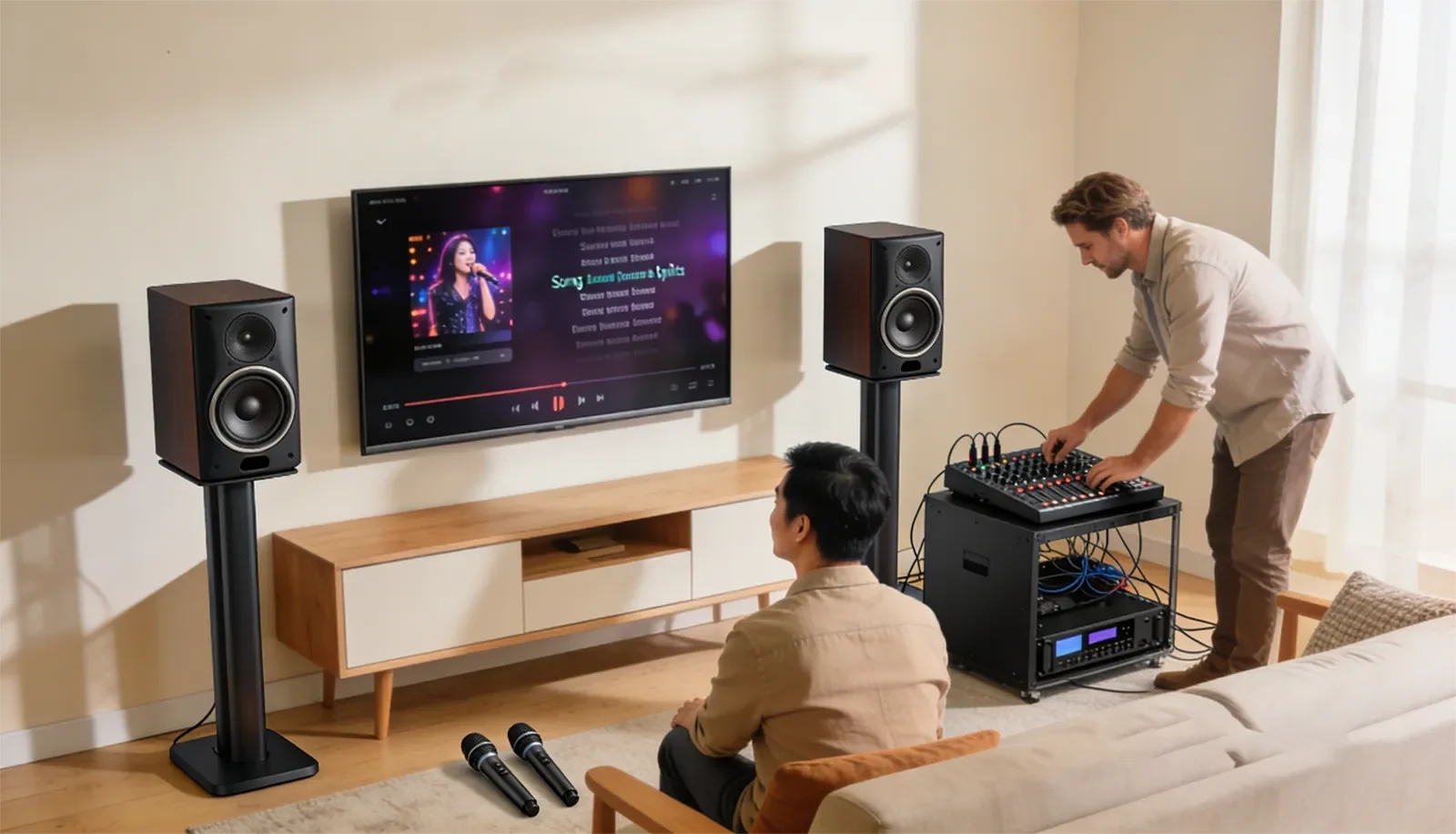
Table of Contents
Quick Answer
If one karaoke speaker is louder than the other, check the balance control, source settings, input routing, cables, amplifier channels, and speaker placement in that order. The fastest way to isolate the cause is to see whether the louder side follows the signal path or stays in the same physical location.
If the louder side moves when you swap left-right signal cables, the problem is likely in the source path, cable, mixer, or amplifier channel. If the louder side stays in the same room location, the issue may be the speaker, speaker output, placement, furniture, wall reflection, or listening position.
What This Symptom Usually Means
When one side sounds louder, the system is usually dealing with one of two problems. Either the signal path is truly uneven before it reaches the speakers, or the room is making a normal stereo signal feel uneven from where you are listening.
A true channel imbalance usually follows the signal path. That means one side stays louder because the source, cable, balance control, mixer output, amplifier channel, or speaker output is not delivering the same level on both sides.
A room-related imbalance behaves differently. In that case, the system may be sending a normal stereo signal, but one speaker may be closer to a wall, tucked into a corner, blocked by furniture, or aimed more directly at the listener.
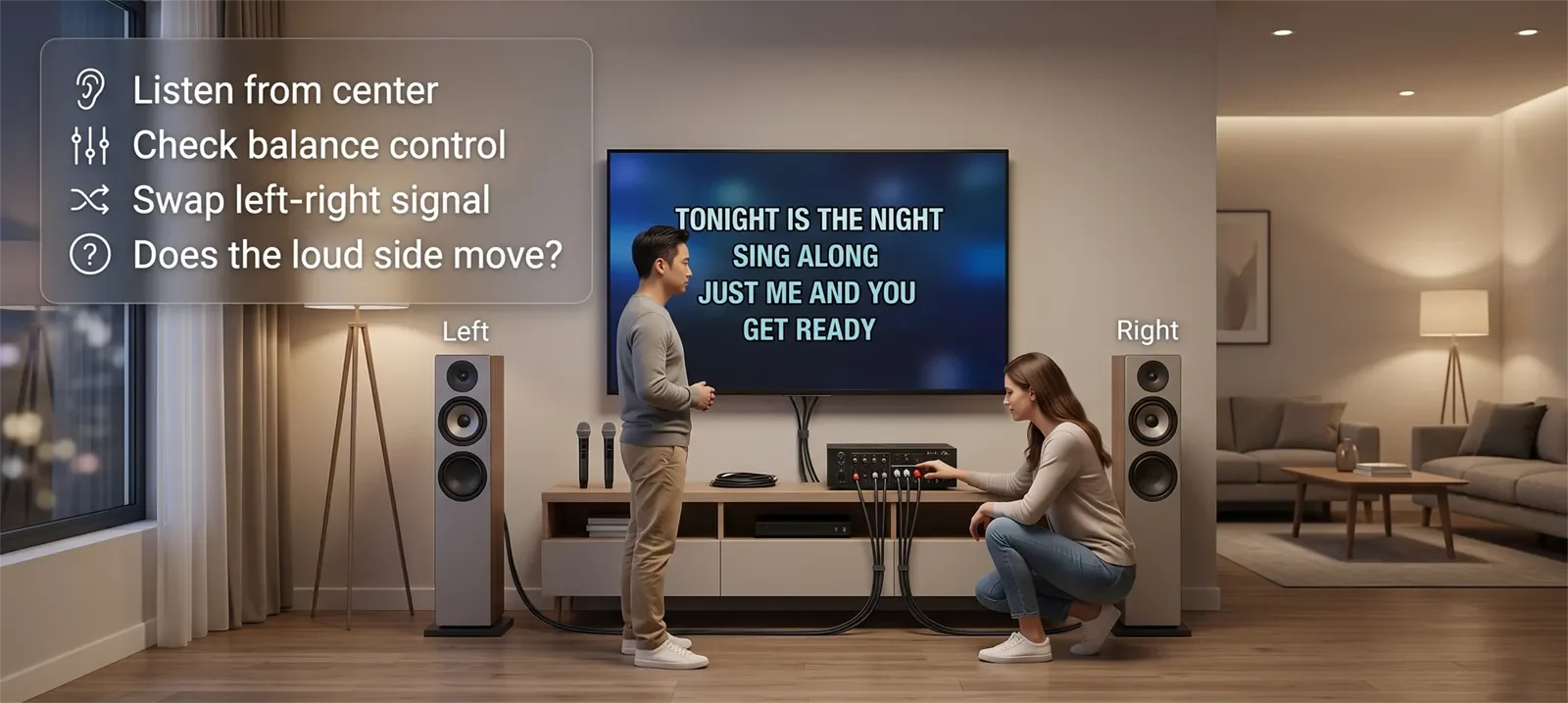
The key is not to guess too early. The key is to find out whether the problem follows the left-right channel or stays with the same physical side of the room. Once you know that, the fix becomes much clearer.
Most Likely Causes
The balance control is shifted. This is the easiest cause to miss. A TV, mixer, amplifier, receiver, or source device may have a left-right balance setting that was accidentally changed.
The source path is uneven. A karaoke app, TV output, Bluetooth source, media player, or mixer input may not be feeding the left and right sides evenly. If the imbalance appears only with one source, check that source before blaming the speakers.
One cable or connector is weak. A half-seated plug, loose RCA cable, damaged speaker cable, or worn connector can make one side quieter without cutting it off completely. This is why cable problems often sound confusing instead of obvious.
One amplifier channel is behaving differently. If the left and right speakers are receiving different power or signal from the amplifier, one side may sound stronger even when the speakers themselves are fine.
One speaker is different or damaged. A speaker can become weaker because of wear, internal damage, driver issues, or a mismatch between two speakers. This is possible, but it should be checked after the easier causes.
The room is exaggerating one side. In living rooms, one speaker may sit near a wall, cabinet, corner, glass surface, or open space that changes how loud it feels. Room bias is common, especially when the main listening seat is not centered.
Step-by-Step Checks at Home
Step 1: Listen from the center. Stand or sit between the two speakers at a reasonable distance. If the imbalance becomes smaller, your usual listening position or room layout may be exaggerating the difference.
Step 2: Check balance controls. Look for left-right balance settings on the TV, mixer, amplifier, receiver, or source device. Make sure nothing is shifted left or right.
Step 3: Test more than one source. Play a familiar song, karaoke track, or TV source. If the imbalance happens only with one app or source, the problem may be source-specific rather than a speaker fault.
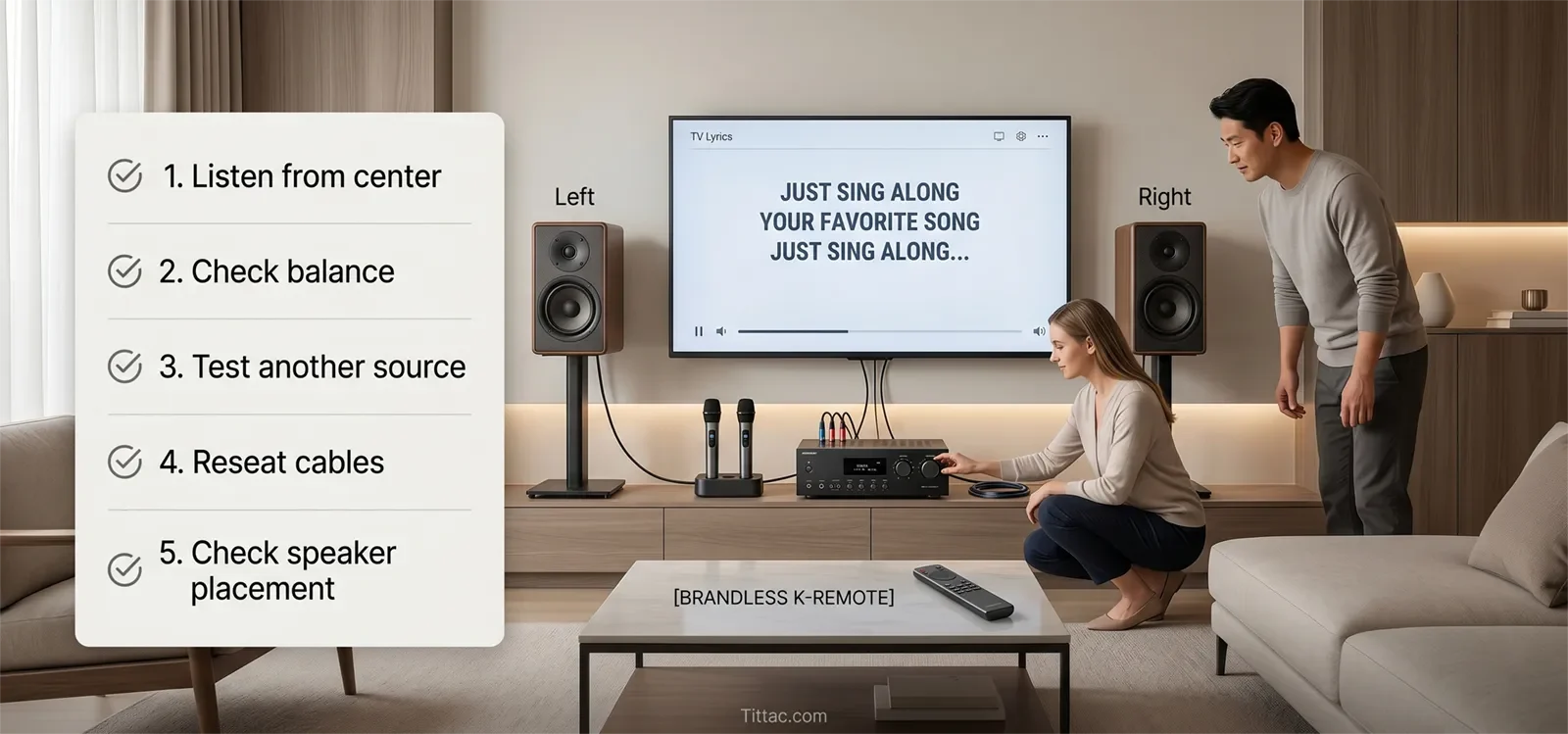
Step 4: Check all cable connections. Reseat the left and right signal cables and speaker cables. Make sure each connector is fully seated and plugged into the correct left or right input/output.
Step 5: Swap left and right signal cables. If your setup allows it safely, swap the left and right signal cables at one point in the chain. If the louder side moves, the problem is following the signal path.
Step 6: Swap speaker outputs or speakers if safe. If the louder side stays in the same physical location after earlier checks, test whether the speaker or amplifier channel is responsible. Only do this if you understand your wiring and can do it safely.
Step 7: Test again after one change at a time. Do not change balance, cables, speaker position, and source settings all at once. One controlled test at a time gives you a clearer answer.
If your wiring has changed recently, it may help to review the Step-by-Step Home Karaoke Setup Guide so the full signal path is clean before deeper troubleshooting.
How to Tell If the Room Is the Problem
The room is likely part of the problem if the imbalance changes when you move to a different seat or stand closer to the center. A speaker near a corner may sound fuller. A speaker near an open space may sound thinner. A sofa, cabinet, curtain, or wall can also change what one side feels like.
Room bias is especially common in living rooms because the two speakers rarely have perfectly equal surroundings. One side may be next to a wall while the other side opens into a hallway or dining area. One side may be blocked by furniture while the other has a clearer path to the listener.
Speaker placement can also affect the result. If one speaker points more directly at the listener than the other, that side may seem louder even when the signal level is equal. For placement help, read How to Position Speakers for Karaoke.
If the channels test evenly but the room still feels unbalanced, the next step is to understand how the room shapes sound. How Room Acoustics Affect Karaoke Sound explains why walls, corners, furniture, and reflective surfaces can change what you hear.
What Not to Blame Too Quickly
Do not blame the speaker first. A speaker can be the issue, but many uneven-speaker problems come from settings, cables, routing, or room placement.
Do not blame the room before checking the channel path. Rooms can make one side feel louder, but a real left-right signal problem will not be fixed by moving furniture alone.
Do not fix a level imbalance with EQ first. EQ changes tone, not the root cause of left-right level mismatch. Start with balance, routing, and cable checks before touching tone controls.
Do not test from only one chair. A single listening position can mislead you, especially in a living room with side-wall reflections, furniture, or uneven speaker distance.
When This Is Actually a Different Problem
If one side is completely silent, you may have a no-sound problem instead of a simple imbalance problem. That usually requires checking the cable, amplifier output, speaker connection, or source path more directly.
If the weaker side cuts in and out, the problem may be an unstable cable, connector, jack, or amplifier channel rather than a steady left-right mismatch.
If the imbalance happens only with certain songs or videos, the content itself may have an uneven stereo mix. Test with several familiar sources before assuming the karaoke system is at fault.
If the room sounds uneven even after the system tests correctly, the issue may be placement and acoustics rather than damaged equipment. In that case, improving the speaker layout may help more than replacing gear.
Speaker Imbalance Checklist
- Listen from the center before judging the system.
- Check left-right balance settings on the TV, mixer, amplifier, and source.
- Test more than one song, app, or input source.
- Reseat left and right audio cables.
- Check speaker cables and output connections.
- Swap left-right signal cables to see whether the problem moves.
- Swap speakers or speaker outputs only if it is safe for your setup.
- Check whether one speaker is closer to a wall, corner, cabinet, or open space.
- Make one change at a time and retest after each step.
- Avoid using EQ to hide a channel imbalance before finding the cause.
The most useful question is simple: does the louder side follow the signal, or does it stay in the room? That answer usually points you toward the right fix.
Frequently Asked Questions
What is the fastest way to tell whether the problem is the signal path or the room?
Swap the left-right signal path at one safe point in the chain. If the louder side moves to the other speaker, the problem is following the signal. If it stays in the same physical location, the room, speaker, or amplifier output may be involved.
Should I use EQ to fix one speaker being louder?
Usually no. EQ is not the first fix for a left-right volume problem. Check balance, routing, cables, and speaker placement first so you do not hide the real cause.
Can one seat make a normal karaoke system sound uneven?
Yes. In many living rooms, one seat can make a normal stereo system seem unbalanced because of wall reflections, furniture, speaker distance, or corner placement.
Does swapping speakers help diagnose the issue?
Yes, if your setup allows it safely. Swapping speakers can help show whether the problem follows the speaker or stays with the same room position or amplifier channel.
Why is one speaker louder only when I use karaoke, not regular music?
The imbalance may be coming from the karaoke source, mixer input, vocal routing, or microphone effect path rather than the speakers. Test music, vocals, and another source separately to see where the difference appears.
What if one speaker is not just quieter but completely silent?
A completely silent speaker is usually a different problem. Check the speaker cable, amplifier output, input routing, and source path before treating it as a simple balance issue.










