
Before buying a home karaoke system, check your room size, TV audio output, music source, speaker placement, microphone needs, power access, and setup support. The best system is not the one that sounds good on paper — it's the one that fits your room, connects cleanly to your TV or YouTube source, and stays easy for your family to use after delivery.
Definition: A home karaoke installation checklist is a pre-purchase list of room, connection, placement, microphone, delivery, and setup details you should confirm before ordering a karaoke system.
Who this guide is for: This guide is for first-time karaoke buyers, families buying online, out-of-state customers, and anyone who wants to avoid missing cables, wrong TV connections, poor speaker placement, microphone feedback, or confusing setup after delivery.
How this guide was prepared: After walking hundreds of families through setup — many buying online and shipping out of state — Toan and the Tittac team put together the questions that come up every time: room fit, TV source, YouTube use, speaker placement, microphone use, power access, shipping, and remote setup support. The notes below include a few real situations that changed how we advise customers now.
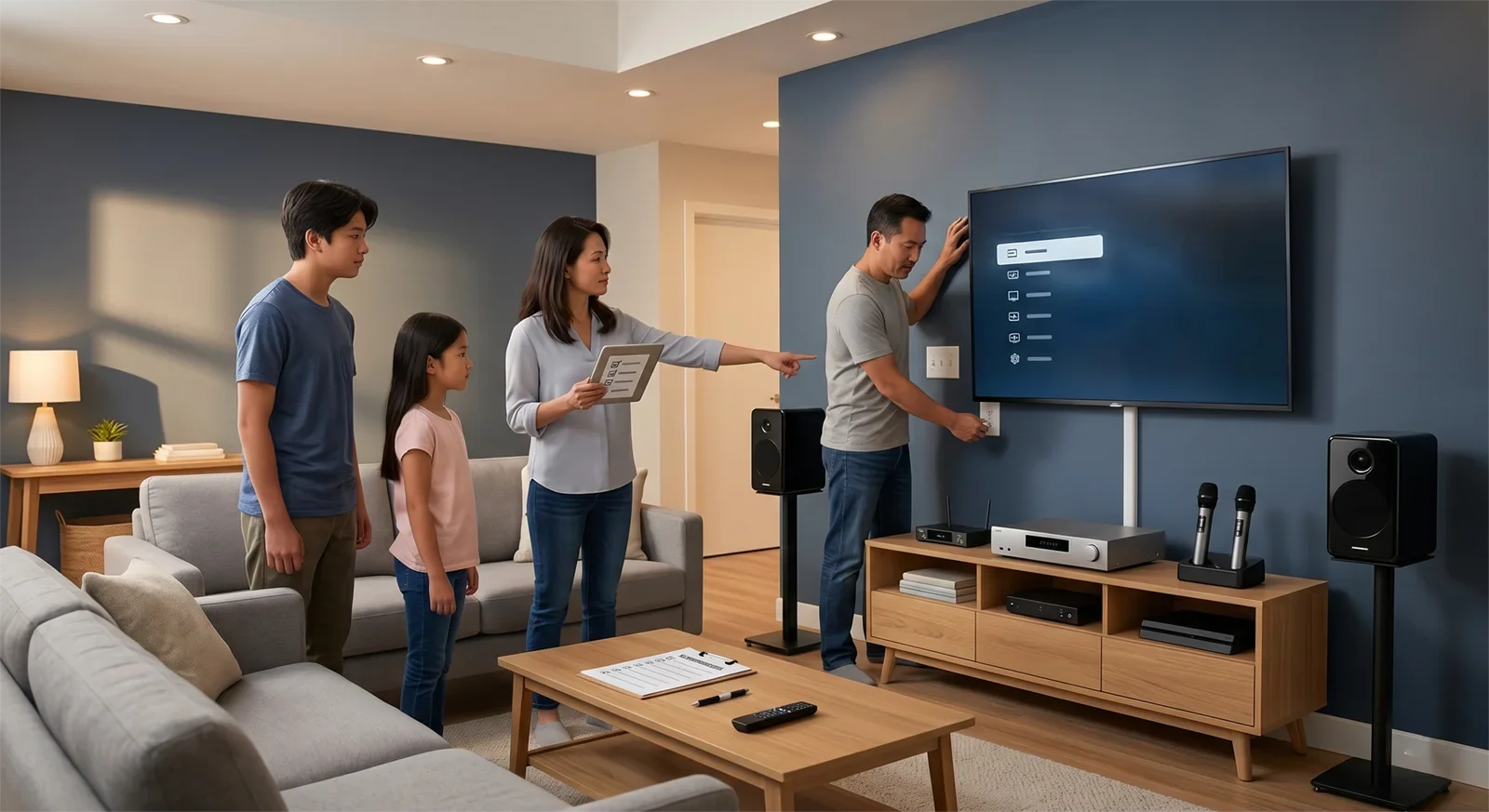
Table of Contents
- Quick Checklist Before You Buy
- Measure the Room First
- Confirm Your Music Source
- Check Your TV Audio Output
- Plan Speaker Placement
- Plan Microphone Use
- Check Power and Equipment Location
- What to Send Tittac Before Ordering
- Prepare for Delivery
- How to Prepare in 60 Seconds
- Frequently Asked Questions
- Final Recommendation
Quick Checklist Before You Buy
- Measure the room size and ceiling height.
- Decide where singers will stand or sit.
- Choose where the speakers can face without aiming directly into microphones.
- Confirm whether you will use YouTube, smart TV apps, laptop, tablet, or a karaoke player.
- Check your TV audio output options: HDMI ARC, optical, RCA, headphone output, or Bluetooth.
- Decide where the amplifier or main control unit will sit.
- Check nearby power access.
- Plan how many microphones your family needs.
- Ask whether remote video setup support is available after delivery.
Measure the Room First
Room size affects speaker choice, amplifier power, volume comfort, and feedback risk. A compact room usually needs control and balance. A larger room may need more coverage and headroom so the system still feels relaxed when people gather.
Write down the approximate room width, length, ceiling height, and whether the room opens into another space. If you are not sure how much system your room needs, compare karaoke systems for condos and small homes with karaoke systems for open floor plans and large living rooms.
Confirm Your Music Source
Most families use YouTube on a smart TV, but some use a laptop, tablet, phone, or dedicated karaoke player. Your source affects the connection method, possible audio delay, and how simple the system feels for daily use.
If YouTube is your main source, read how to set up YouTube karaoke for family use before finalizing the system.
Check Your TV Audio Output
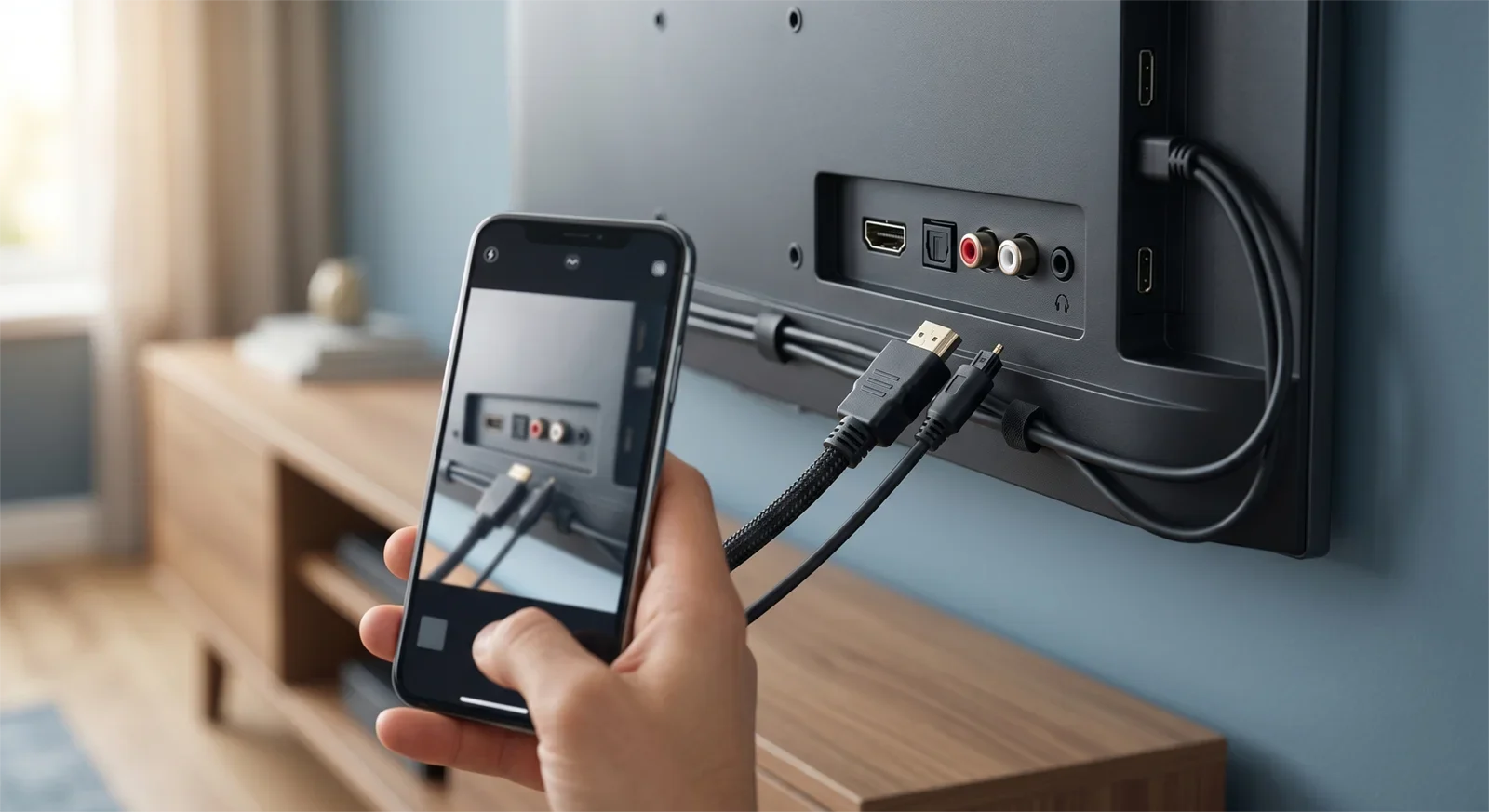
Before buying, look at the back or side of your TV. Common audio outputs include HDMI ARC, optical, RCA, headphone output, and Bluetooth. Not every karaoke system connects the same way, so this step can prevent frustration after delivery.
If you are buying online, take a clear photo of the TV ports. This is one of the most useful things you can send before ordering — we've had a customer in Texas skip this step, assume their TV had HDMI ARC because most newer TVs do, and only discover mid-install that it only supported optical out. Swapping the cable mid-setup on a video call is doable, but a two-minute photo beforehand avoids it entirely.
Plan Speaker Placement
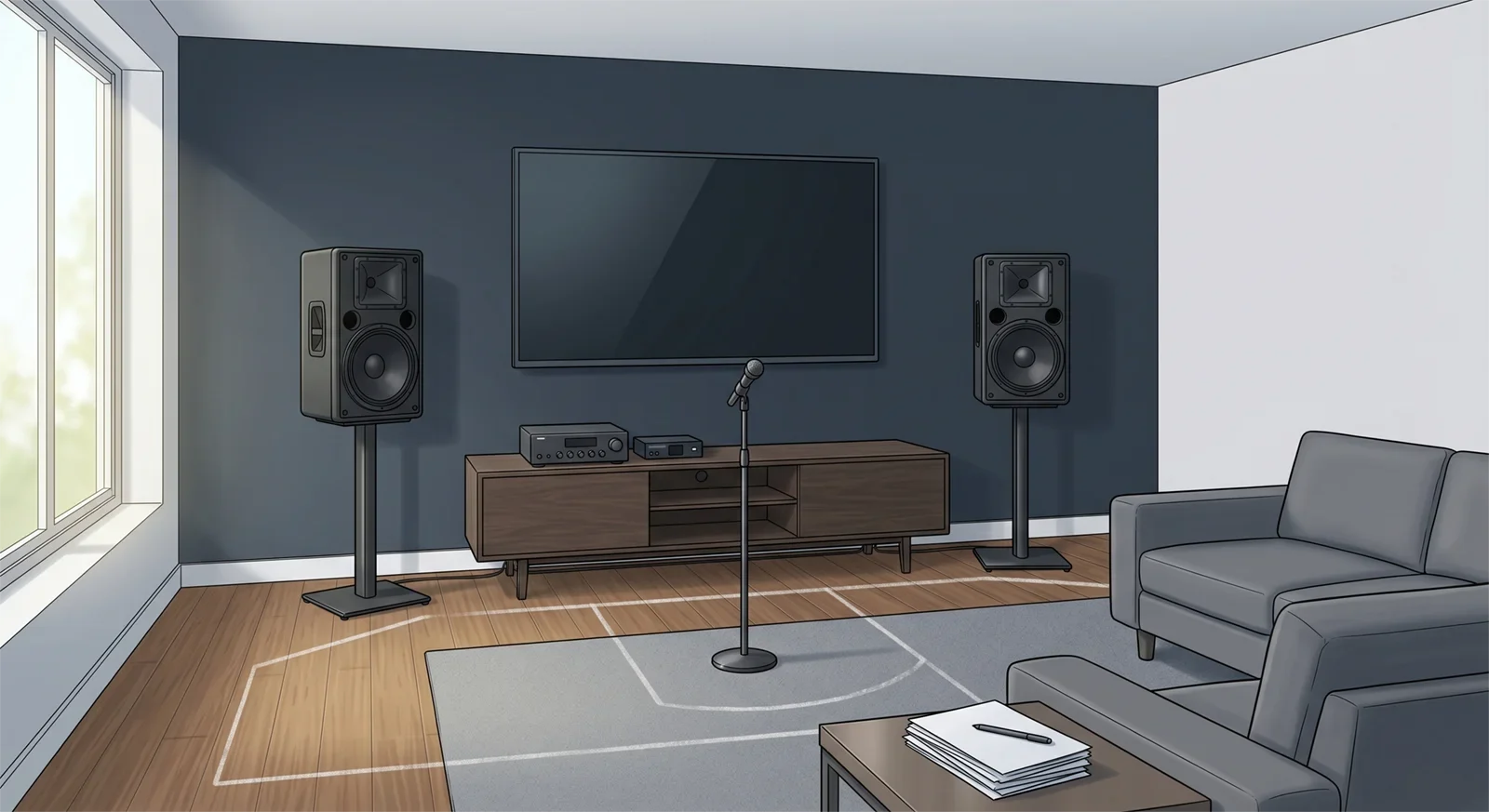
Speaker placement affects vocal clarity, room comfort, and microphone feedback. Avoid placing speakers directly behind the singer or aiming them straight into the microphone area.
A good placement plan does not have to be complicated. The goal is simple: let the speakers cover the room without forcing the microphones to pick up too much speaker sound. One pattern we see often: speakers tucked into a room corner throw sound unevenly and are more prone to feedback than speakers angled slightly inward from the front wall. And for condo or apartment buyers, placement decisions are often less about acoustics and more about not wanting to test the shared wall with the neighbors — worth mentioning if that's a concern for your home. For more detail, read how to position speakers for karaoke.
Plan Microphone Use
Most family karaoke systems need at least two microphones. If your family sings duets, hosts parties, or passes microphones between singers, plan for microphone quantity, charging, storage, and distance from the speakers. In practice, the large majority of Tittac customers end up choosing two wireless microphones rather than one — even households that started out asking for just one usually come back wanting a second once the first party happens.
If you use wireless microphones, choose a clear, reliable system suitable for home use. For general background on wireless microphone operation in the U.S., see the FCC wireless microphone guidance.
You can compare Tittac's wireless karaoke microphones if microphones are part of your system plan.
Check Power and Equipment Location
Decide where the amplifier, mixer, receiver, or main control unit will sit. It should be close enough to the TV or source, near safe power access, and easy to reach for daily use.
A clean setup is not just about appearance. It also makes the system easier to use, easier to explain to family members, and easier to troubleshoot later.
What to Send Tittac Before Ordering
Copy-and-Send Setup Template
Copy this template into your message and fill in what you know. If a detail is uncertain, write "not sure" rather than guessing.
- Room: width, length, ceiling height, and whether it opens into another area
- TV and music source: TV, YouTube, laptop, tablet, phone, or karaoke player
- Planned layout: TV, speakers, singer position, seating, and main equipment location
- Microphones: how many people may sing at the same time
- Power: available outlets near the TV and equipment location
- Delivery and support: city, state, and whether remote setup help is needed
- Attachments: one full-room photo and one clear photo showing the TV port labels
If you are buying online or want a more accurate recommendation, send a few details before ordering. These details help Tittac check room fit, connection needs, and setup difficulty before the system ships.
- Your room size or a simple room photo.
- A photo of the back or side of your TV showing audio ports.
- Where you want to place the speakers and amplifier.
- Your main music source: YouTube, smart TV, laptop, tablet, or karaoke player.
- How many people usually sing at once.
- Whether the home is a condo, apartment, shared-wall home, open living room, or separate room.
- Your shipping city and state if you are outside the local area.
- Whether you want remote setup support after delivery.
Prepare for Delivery
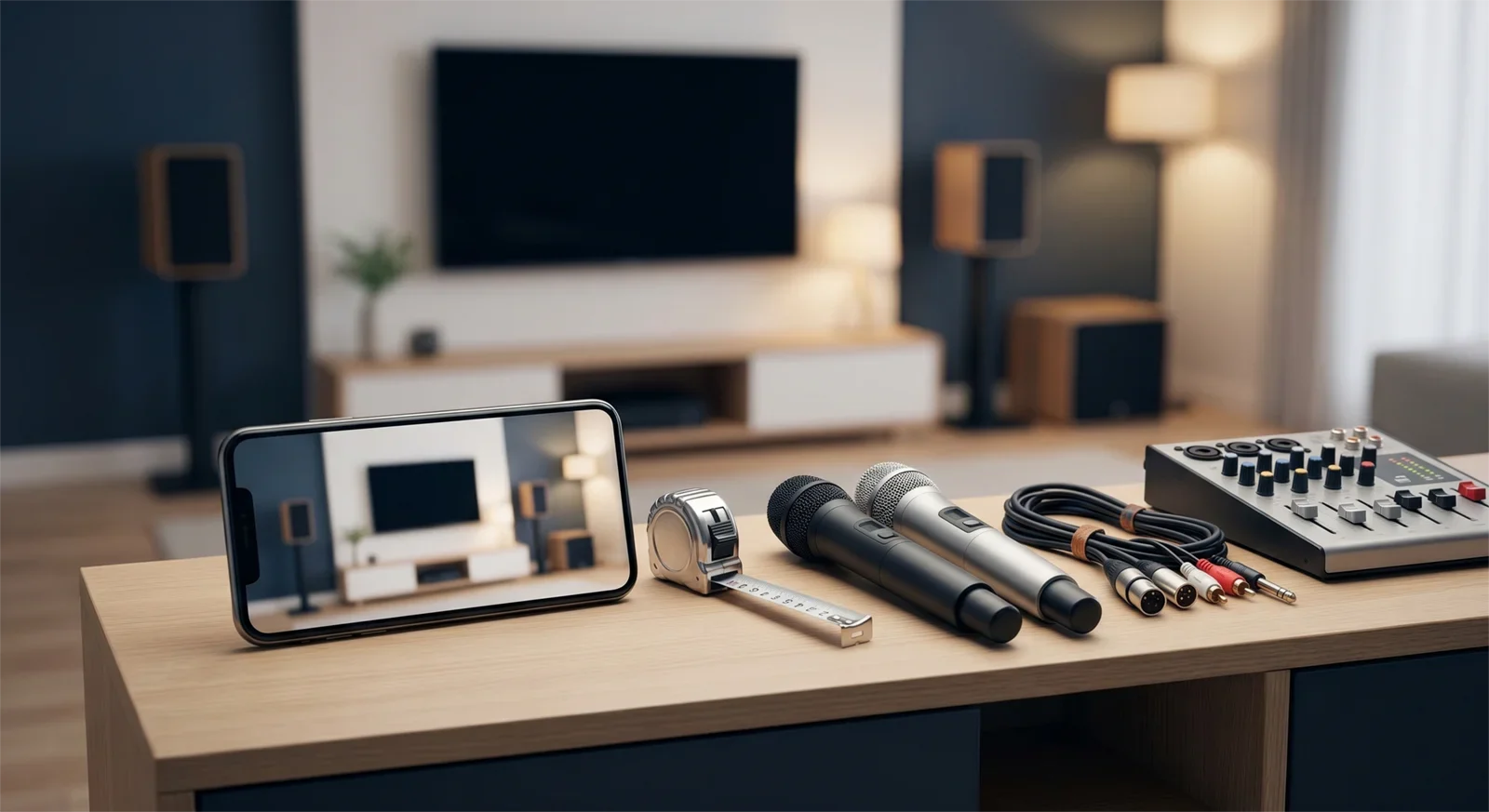
Before delivery, clear the area where the system will be placed. Make sure there is room for speakers, stands or cabinets, cables, and the main control unit. If the system includes larger speakers, check doorway access and where boxes can be opened safely — we've had deliveries where a tower speaker box cleared the front door fine but couldn't turn the corner into a narrow hallway, which meant unboxing it in the entryway instead of the intended room. A quick doorway check ahead of time avoids that.
Out-of-state buyers should also confirm what is included, what needs to be connected after delivery, and whether video setup support is available.
How to Prepare in 60 Seconds
- Measure the room.
- Take a photo of the TV audio ports.
- Decide where the speakers will go.
- Confirm the music source your family will actually use.
- Decide how many microphones you need.
- Ask what support is available after delivery.
If you only remember one thing, remember this: a karaoke system is easier to enjoy when the room, TV, speakers, microphones, and support plan are checked before you buy.
Frequently Asked Questions
What should I check before buying a karaoke system?
Check your room size, TV audio output, music source, speaker placement, power access, microphone needs, and whether setup support is available.
Can I use YouTube for home karaoke?
Yes. Many families use YouTube for karaoke, but the setup depends on your TV, audio connection, and whether the system introduces noticeable delay.
Do I need professional installation for a karaoke system?
Not always. Many systems can be set up with guidance, but larger or more complex systems may benefit from professional or remote setup support.
Why does speaker placement matter before buying?
Speaker placement affects sound clarity and feedback control. Planning placement before buying helps you choose the right speaker size and system type.
Final Recommendation
Before buying a home karaoke system, prepare your room information, source device, TV connection, speaker placement plan, microphone needs, and setup expectations. These small steps come straight from the setup calls we run every week, and they prevent the most common buying mistakes.
The best karaoke system isn't the one with the strongest spec sheet — it's the one that fits the home, connects cleanly, and feels easy enough for the family to actually use often.
Want Tittac to check your setup before you order?
Send your room size, TV port photo, speaker placement idea, and how your family plans to sing.
Planning a Karaoke System Before You Buy?
Send Tittac your room size, TV connection photo, and how your family plans to sing. We can help recommend a karaoke system that fits your room, source, microphone needs, and setup comfort level, including online and out-of-state purchases.










